Alert
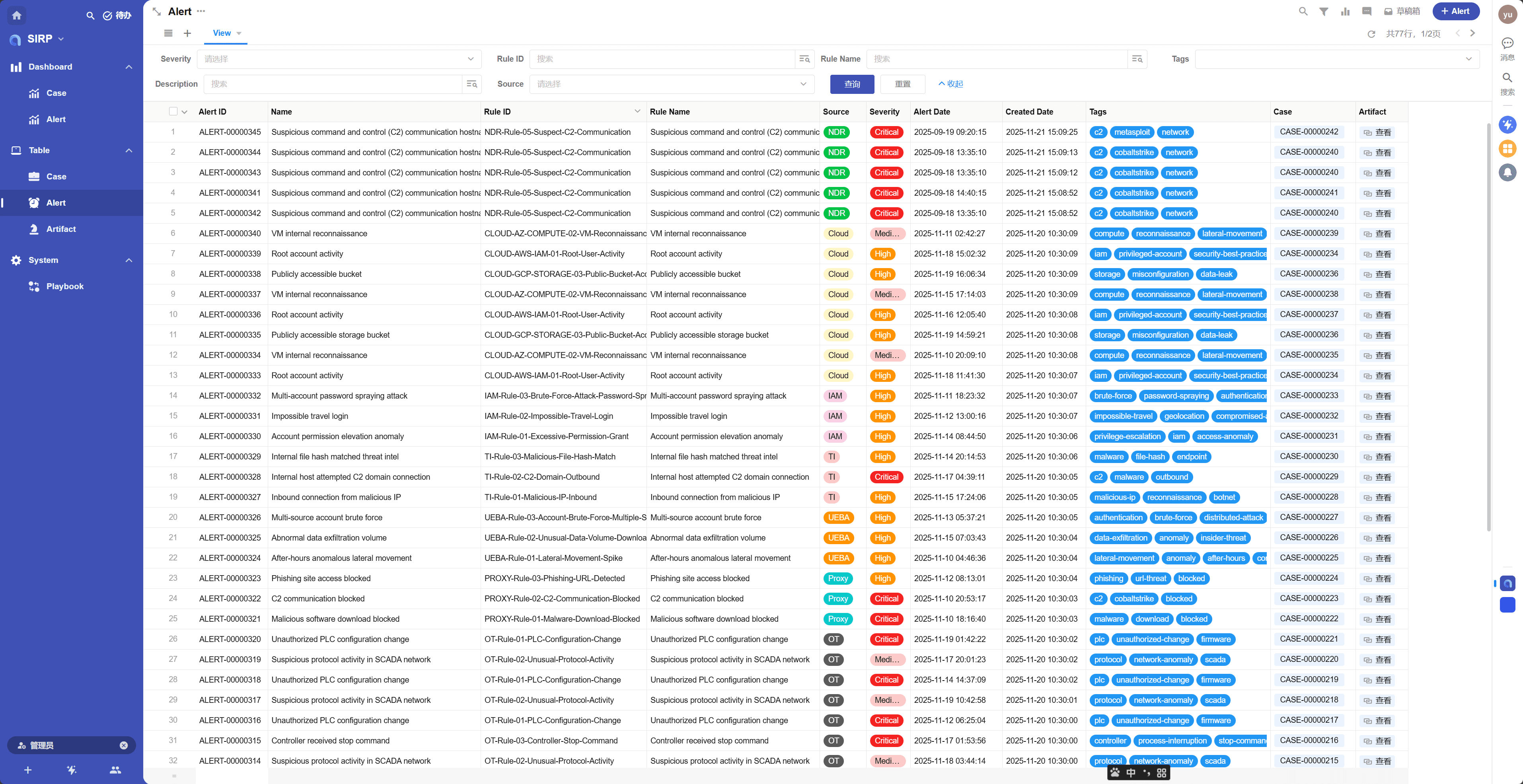
- Centralized display of all alert records.
- By default, all fields in an alert are read-only and cannot be edited.
- Analysts do not modify alert data; they only conduct investigations and response activities based on alert data.
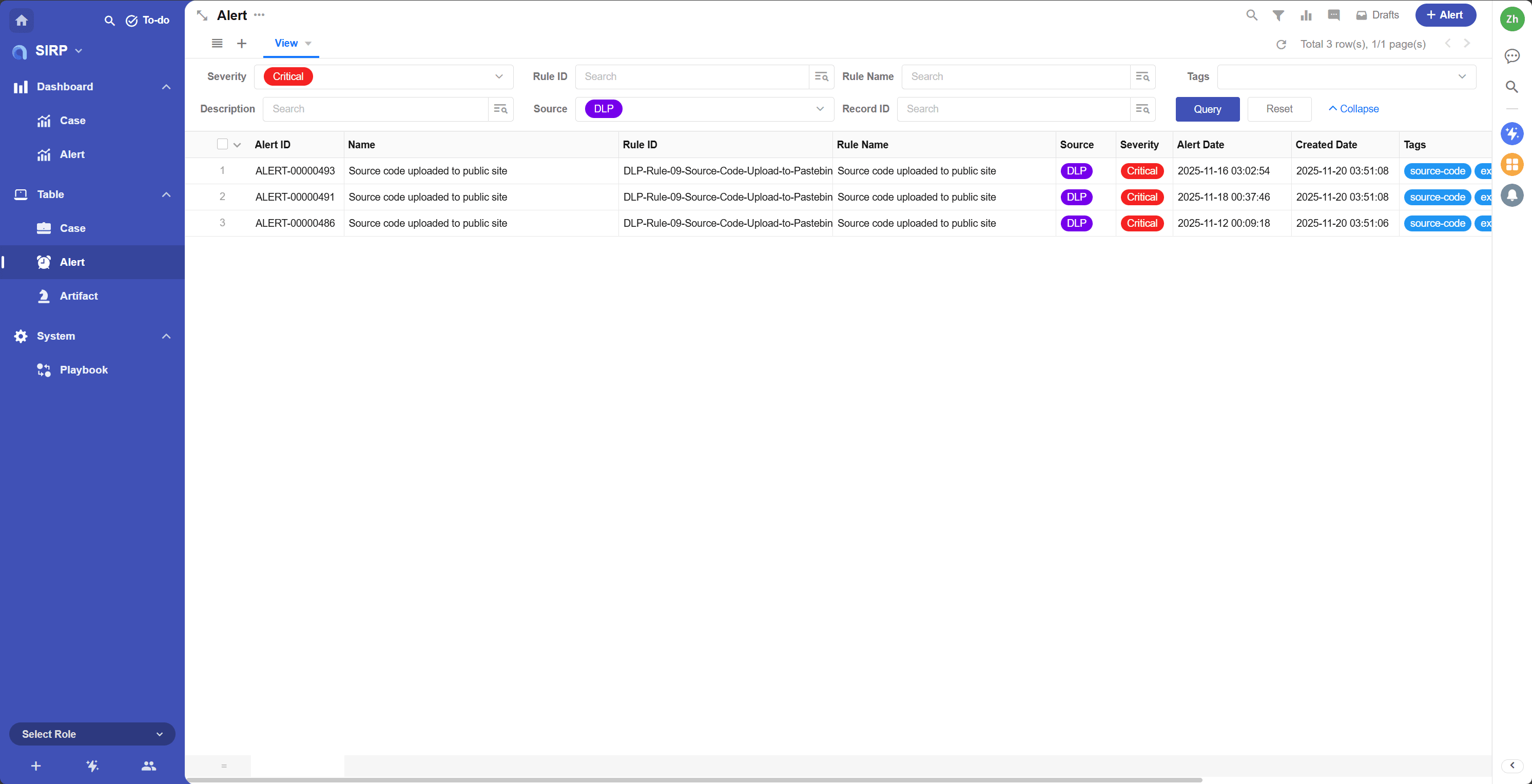
View
Supports various filtering and sorting functions.


Detail
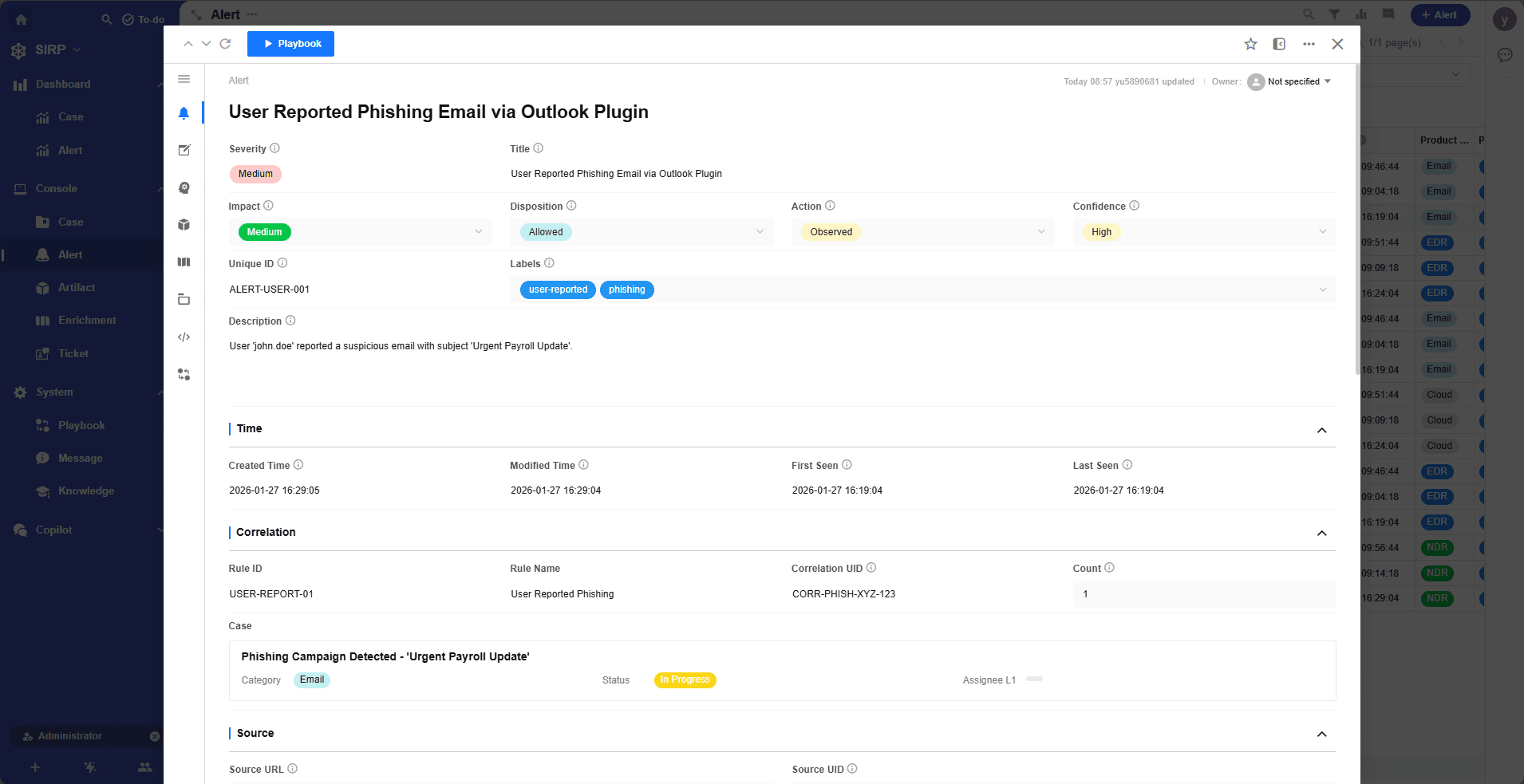
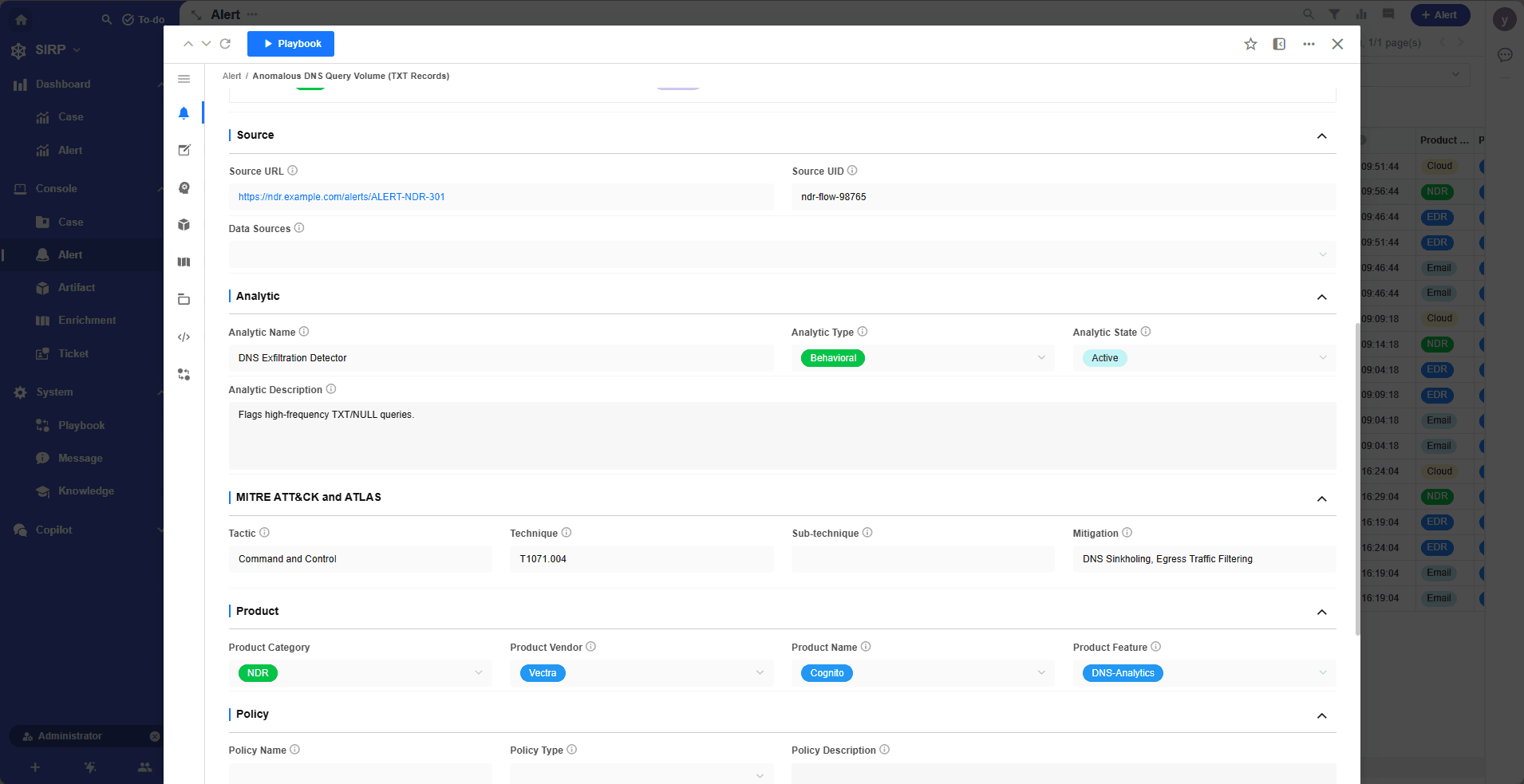
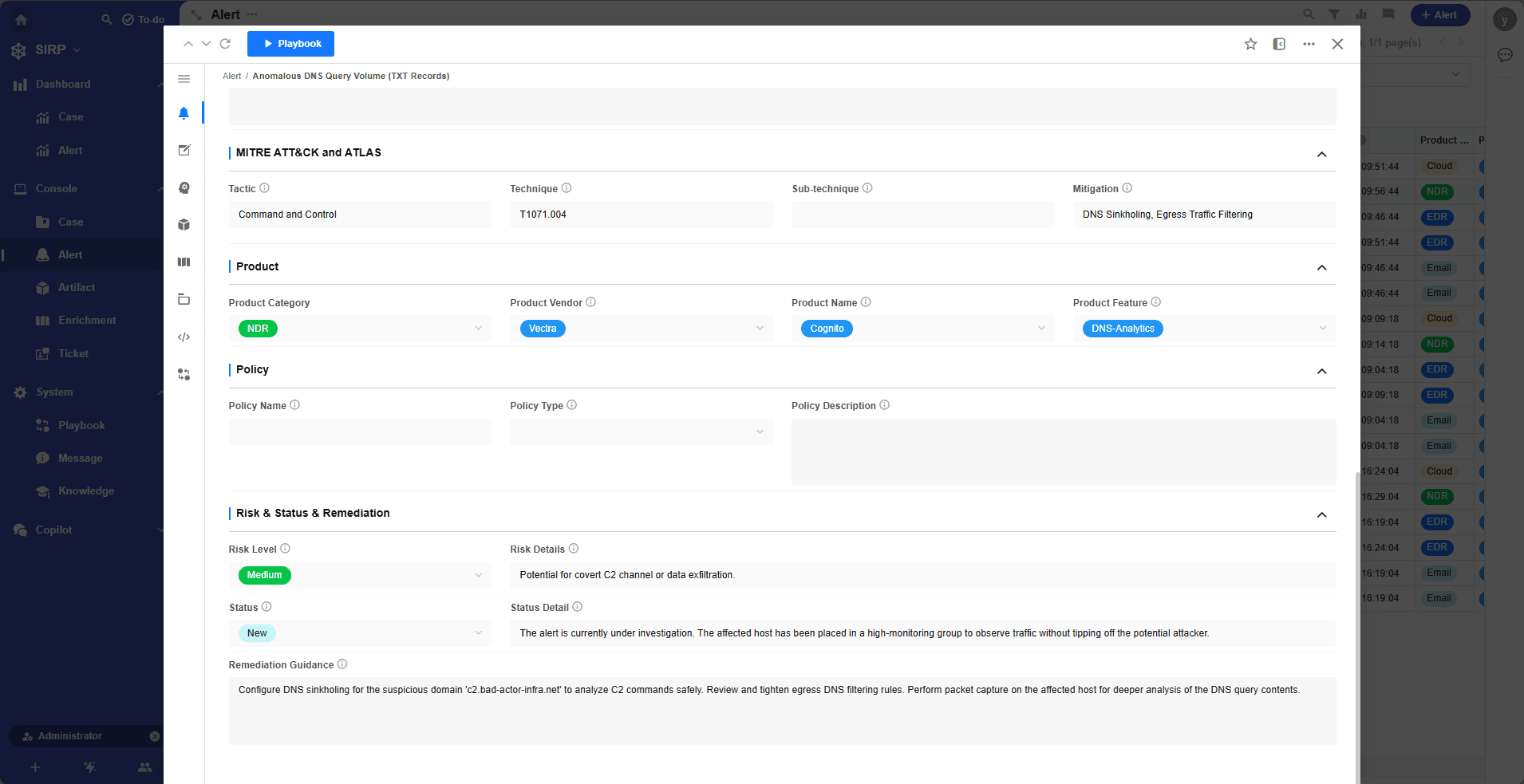
Alert Operations Panel
- Name
Human-readable alert name, briefly describing the alert content.
- Reference
Alert reference link, usually pointing to relevant threat intelligence or original SIEM raw data link or security device alert link.
- Source Data Identifier
Metadata used to uniquely identify the source data of the alert, such as log ID, event ID, etc., typically used to quickly locate the original data of the alert in SIEM and security devices.
- Severity
Alert severity level, divided into four levels: Low, Medium, High, Critical.
- Source
Alert source, categorized as NDR, EDR, DLP, etc.
- Alert Date
Time when the original alert occurred.
- Created Date
Time when the alert was created in the system.
- Tags
Alert tags, used for classifying and marking Alerts. Can be used for searching and filtering.
- Alert ID
Automatically generated unique alert number. Used only for readability display, not as a unique identifier.
- Description
Detailed description of the Alert. Supports Markdown format.
- Attachments
Attachments related to the alert.
- Rule ID
According to ASP's design philosophy, alerts are created by rules in SIEM. Rule ID == Module script name == SIEM Rule name.
For Splunk, the Rule ID is essentially the Splunk Alert name. For Kibana, it's the Rule name. Refer to SIEM Integration.
- Rule Name
Human-readable name of the Rule. Used to generate the Case Title.
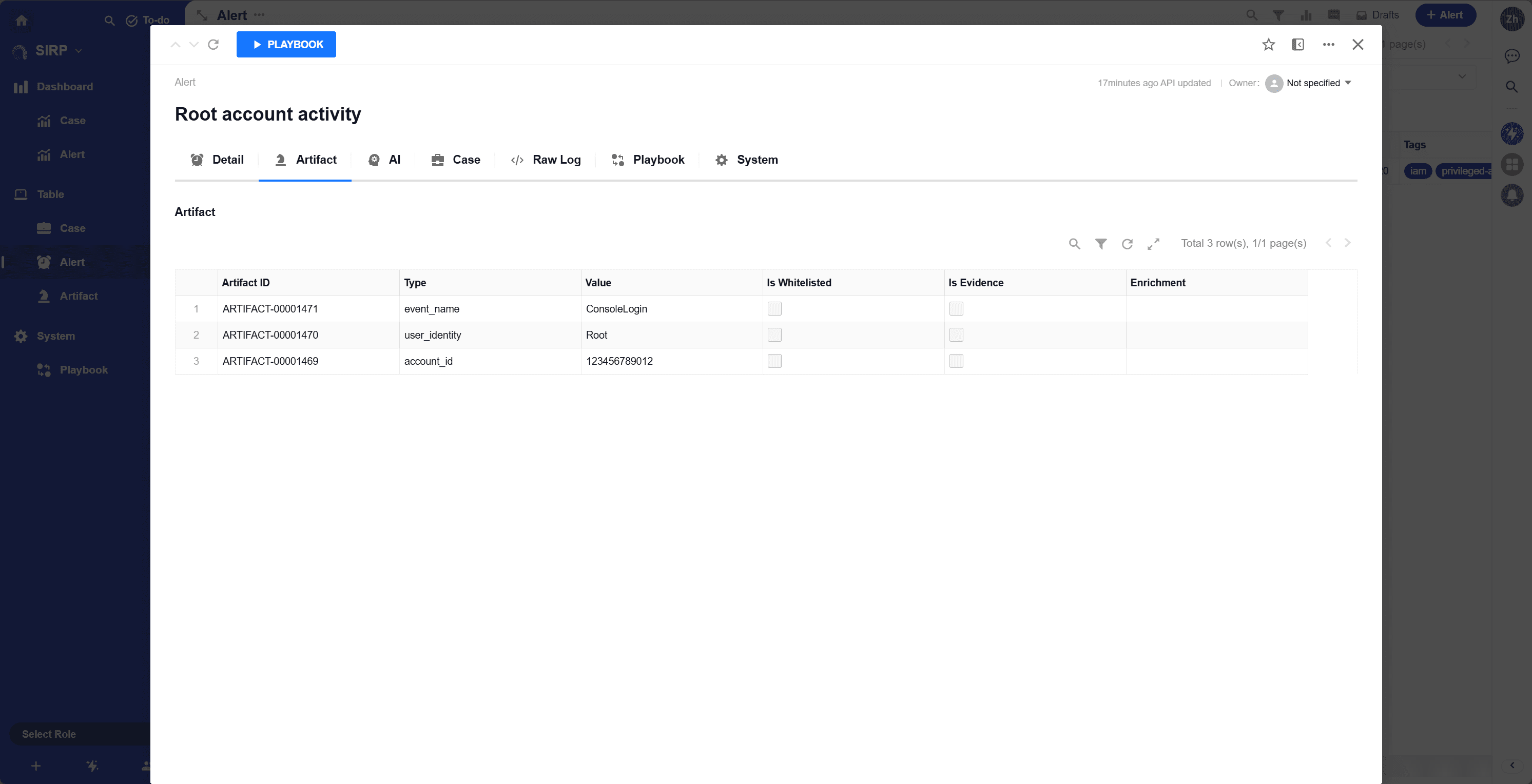
Artifact
List of artifacts related to the alert.
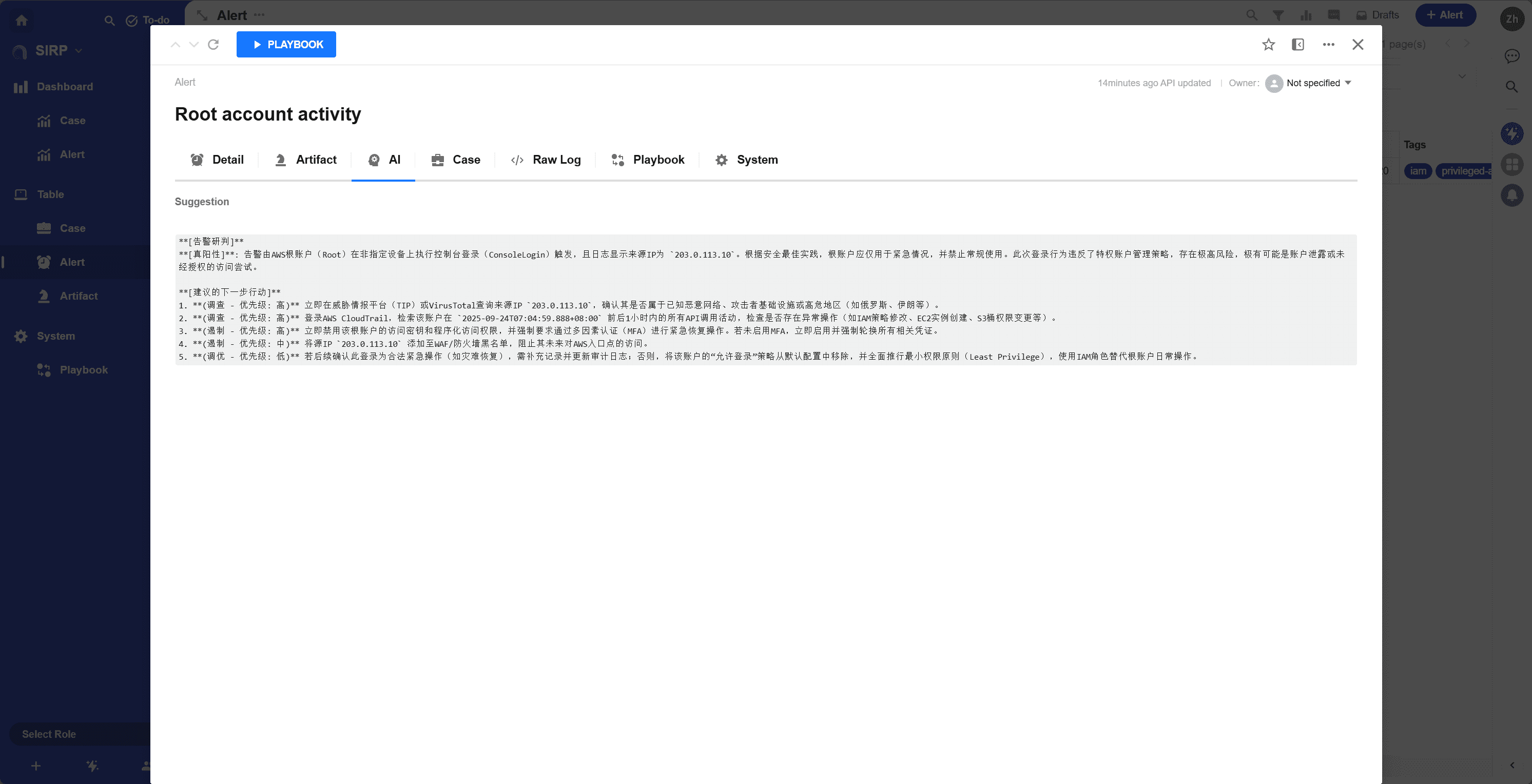
AI
AI analysis results generated based on the alert content.

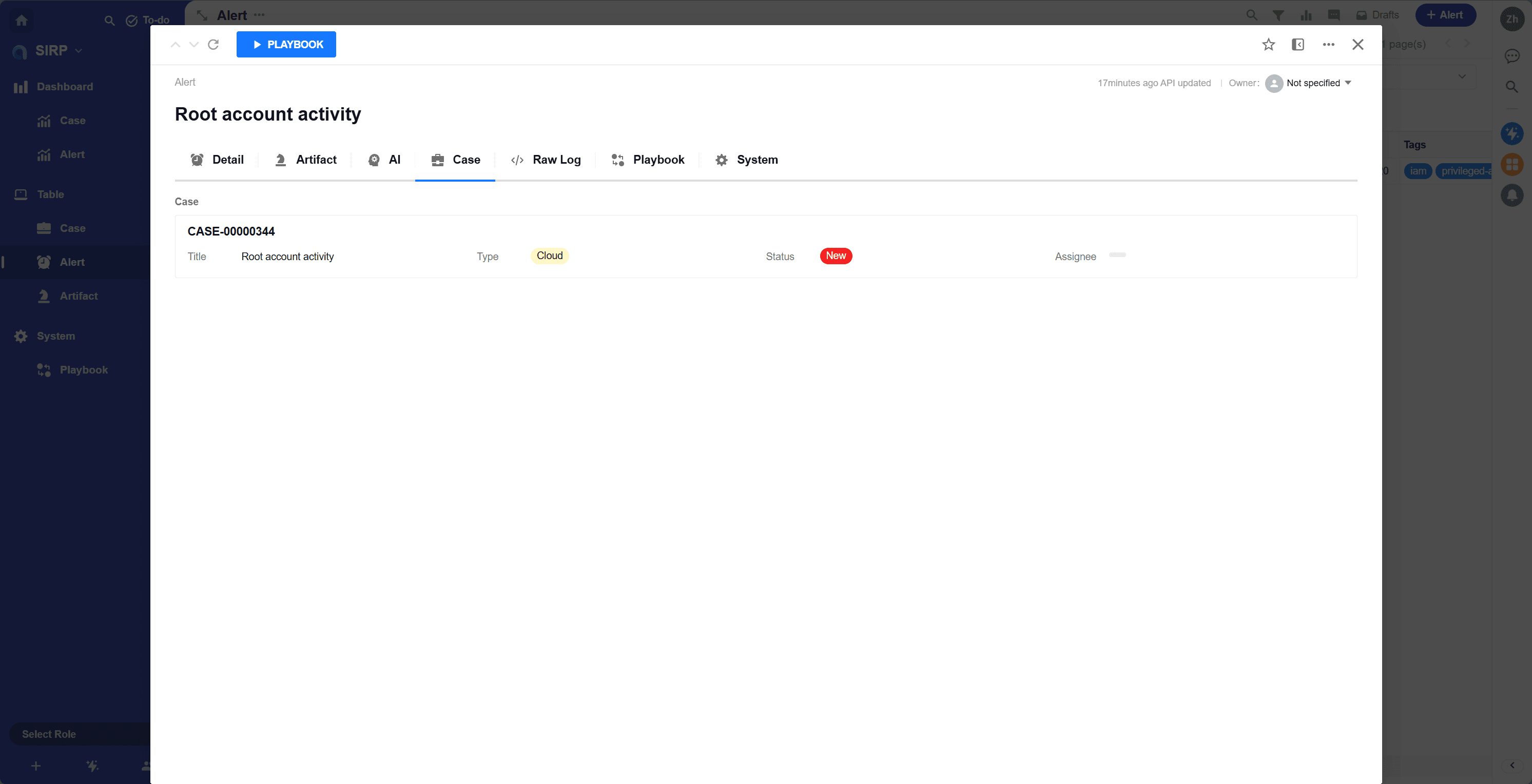
Case
Case associated with the alert.

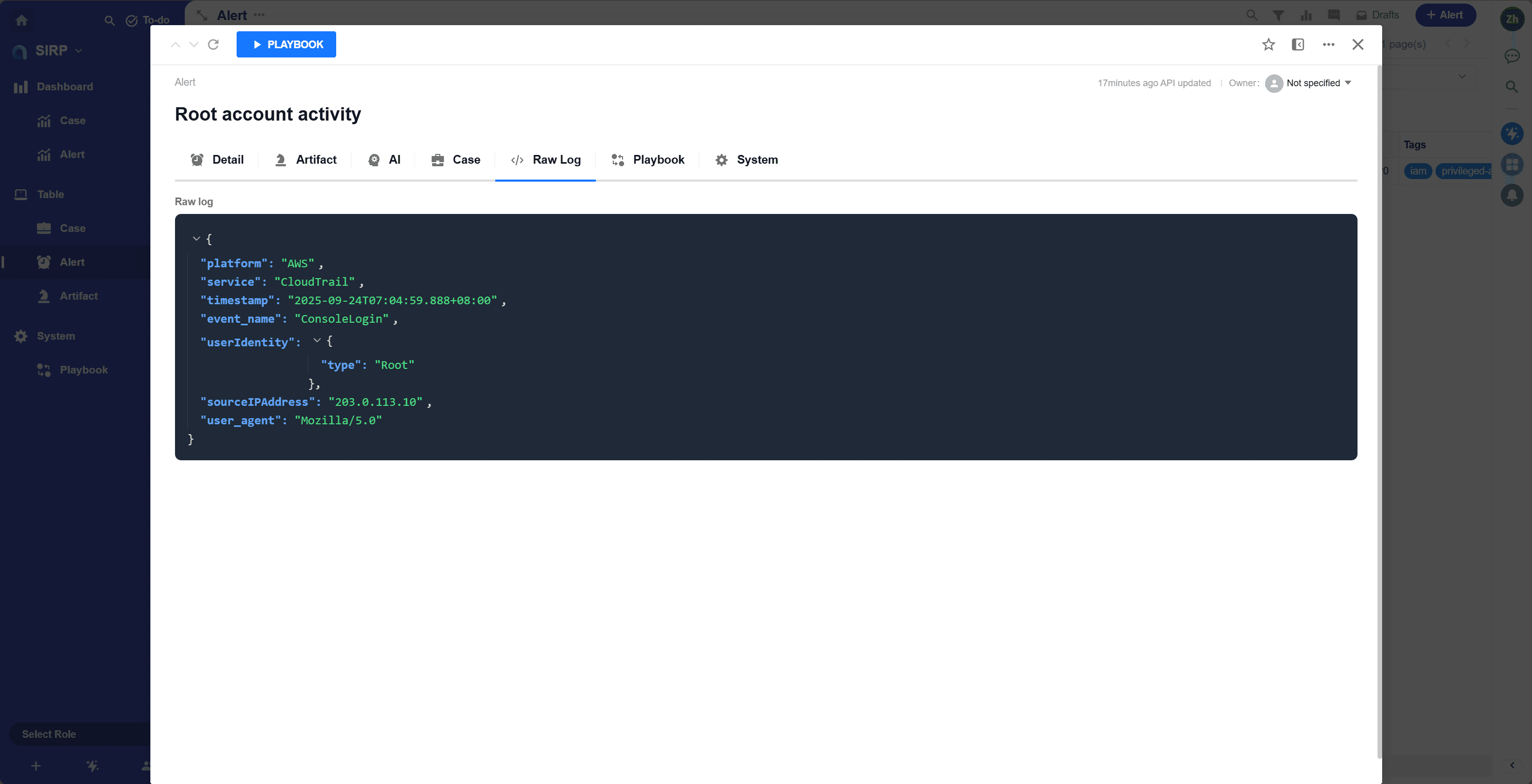
Raw Log
Original log content of the alert. JSON format.
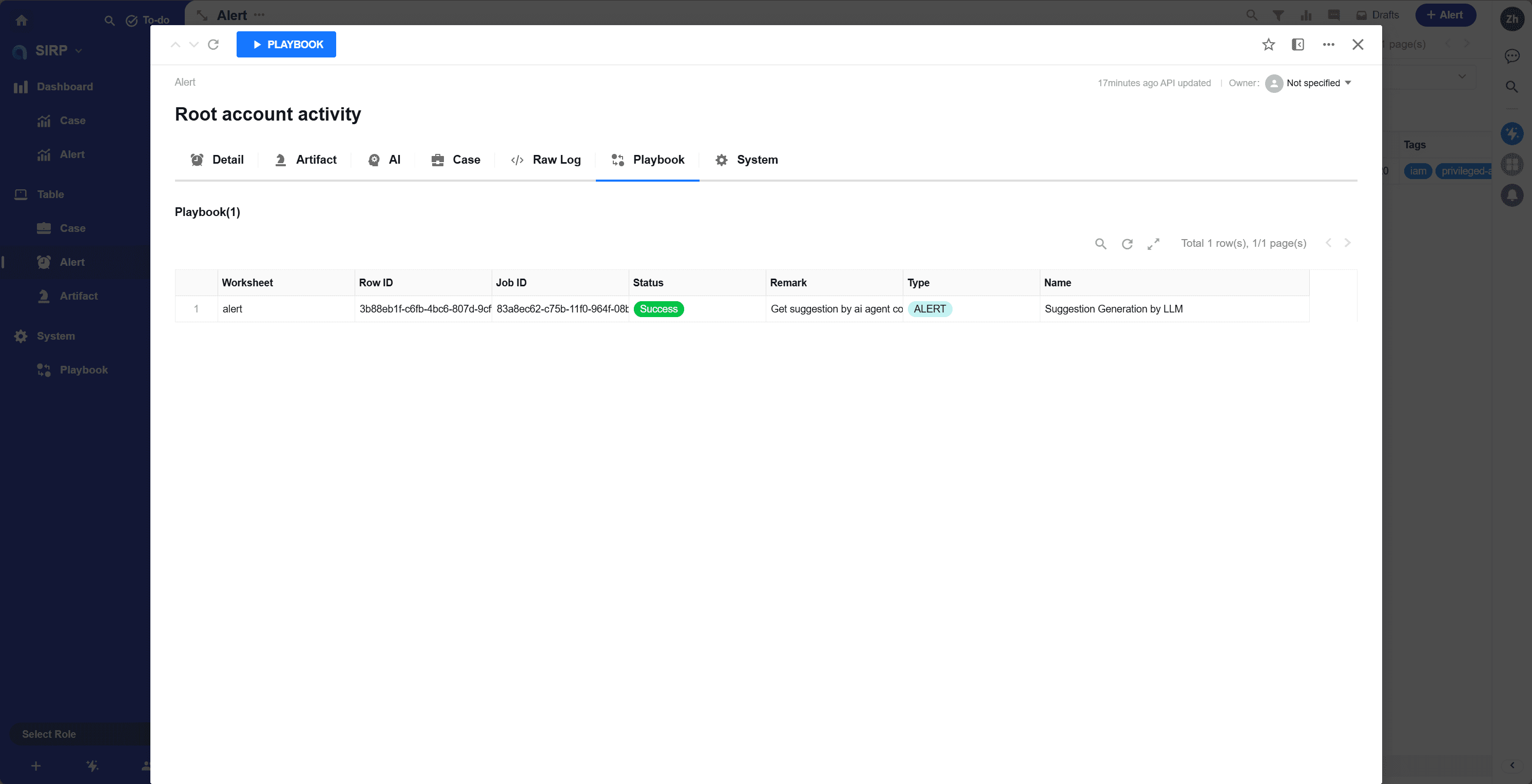
Playbook
History of playbook executions related to the alert.

System
System fields of the alert.