ClaudeCode 插件
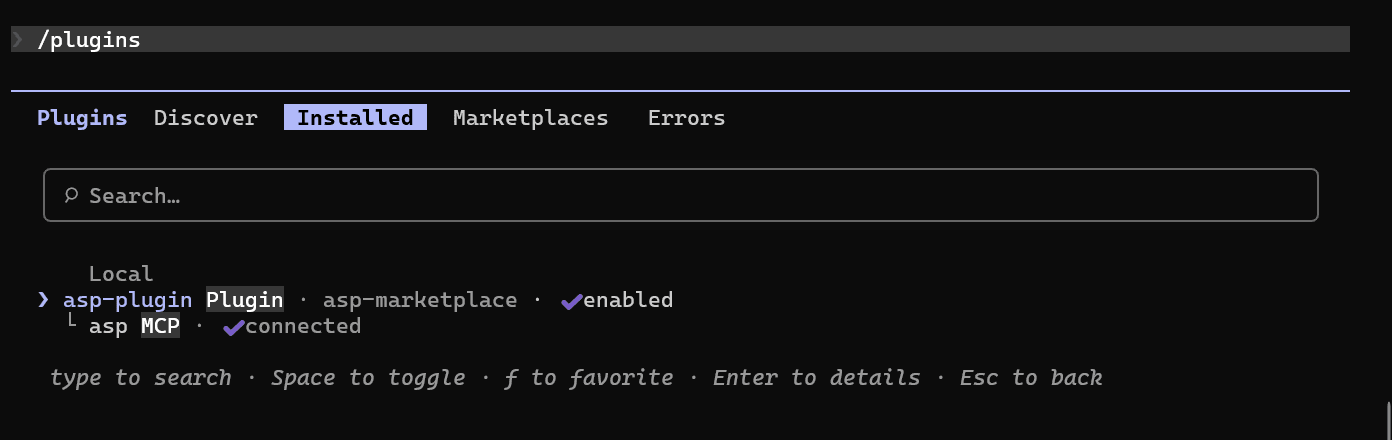
ClaudeCode 插件让 Claude Code 中的 Agent 和 Skill 使用 ASP 能力。当前插件代码位于 asp-marketplace,通过 ASP MCP Server 连接后端。
功能列表
3 个 Agent
- Case Investigator:围绕 Case 做调查、分诊、证据判断和下一步决策。
- Artifact Investigator:围绕 IOC / Artifact 做上下文分析、范围判定和威胁猎杀。
- Threat Hunting:面向假设驱动的主动威胁猎杀。
14 个 Skill
MCP 配置
插件使用 Streamable HTTP 连接 ASP MCP Server。
| 项 | 当前值 |
|---|---|
| MCP URL | https://<asp-host>/api/mcp |
| 认证方式 | Authorization: Api-Key <key> |
| 环境变量 | ASP_MCP_URL、ASP_MCP_API_KEY |
API Key 可在 个人中心 创建。
必须在启动 Claude Code 前,在同一个终端中配置以下环境变量;如果 Claude Code 已经启动,修改环境变量后需要重新启动 Claude Code。
PowerShell:
powershell
$env:ASP_MCP_URL = "https://asp.example.com/api/mcp"
$env:ASP_MCP_API_KEY = "asp_xxx"
测试当前终端中的环境变量是否可连接:
powershell
Invoke-RestMethod $env:ASP_MCP_URL -Method Post -Headers @{Authorization="Api-Key $env:ASP_MCP_API_KEY"; Accept="application/json, text/event-stream"} -ContentType "application/json" -Body '{"jsonrpc":"2.0","id":1,"method":"initialize","params":{"protocolVersion":"2025-06-18","capabilities":{},"clientInfo":{"name":"env-test","version":"1.0"}}}'Bash:
bash
export ASP_MCP_URL="https://asp.example.com/api/mcp"
export ASP_MCP_API_KEY="asp_xxx"
测试当前终端中的环境变量是否可连接:
bash
curl -sS "$ASP_MCP_URL" \
  -H "Authorization: Api-Key $ASP_MCP_API_KEY" \
  -H "Content-Type: application/json" \
  -H "Accept: application/json, text/event-stream" \
  --data '{"jsonrpc":"2.0","id":1,"method":"initialize","params":{"protocolVersion":"2025-06-18","capabilities":{},"clientInfo":{"name":"env-test","version":"1.0"}}}'
如果返回 MCP initialize 结果,说明 URL 和 API Key 可用;如果返回 401 或 Invalid API key,请检查 API Key 是否过期、用户是否被禁用,以及 /api/mcp 是否路由到 ASGI 服务。
安装插件
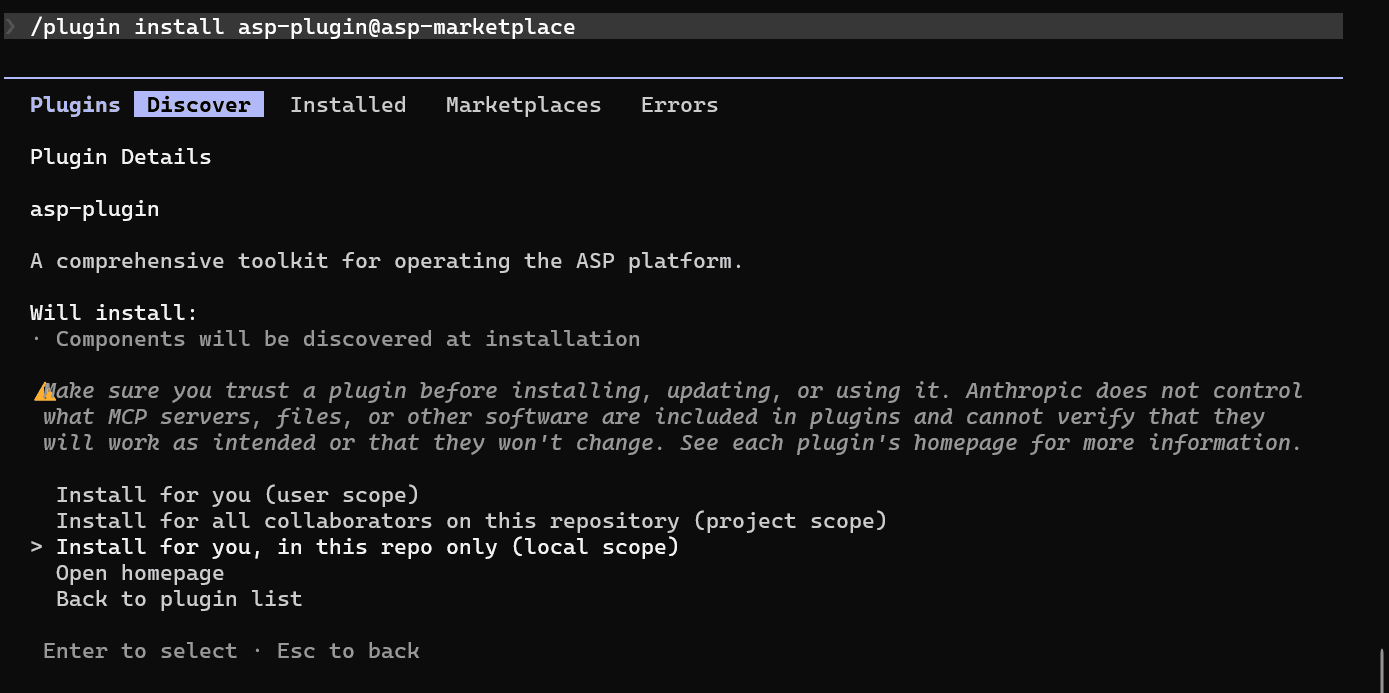
启动 Claude Code 后,注册 marketplace:
text
/plugin marketplace add FunnyWolf/asp-marketplace从 marketplace 安装插件:
text
/plugin install asp-plugin@asp-marketplace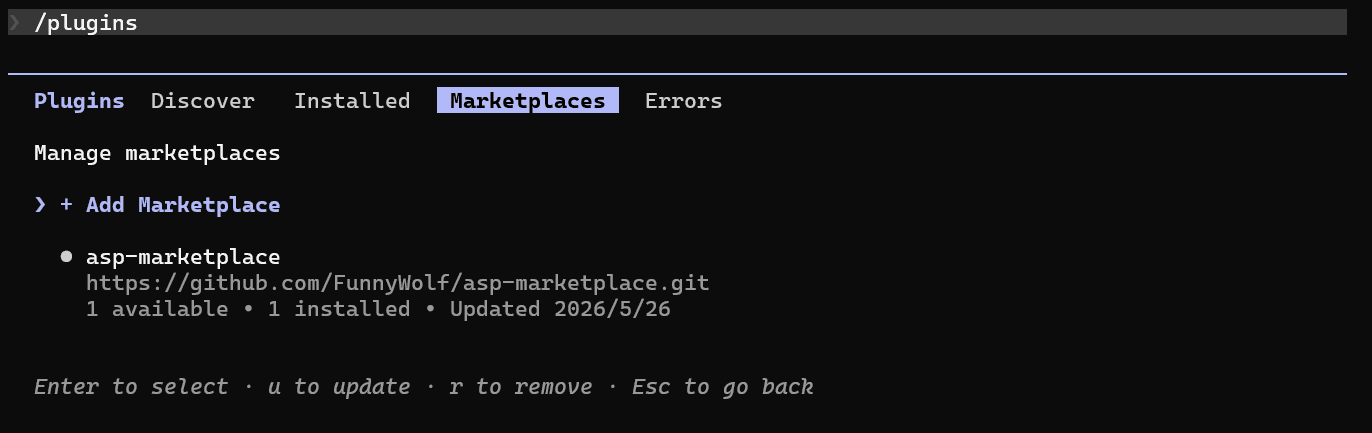
调用 Skill / Agent
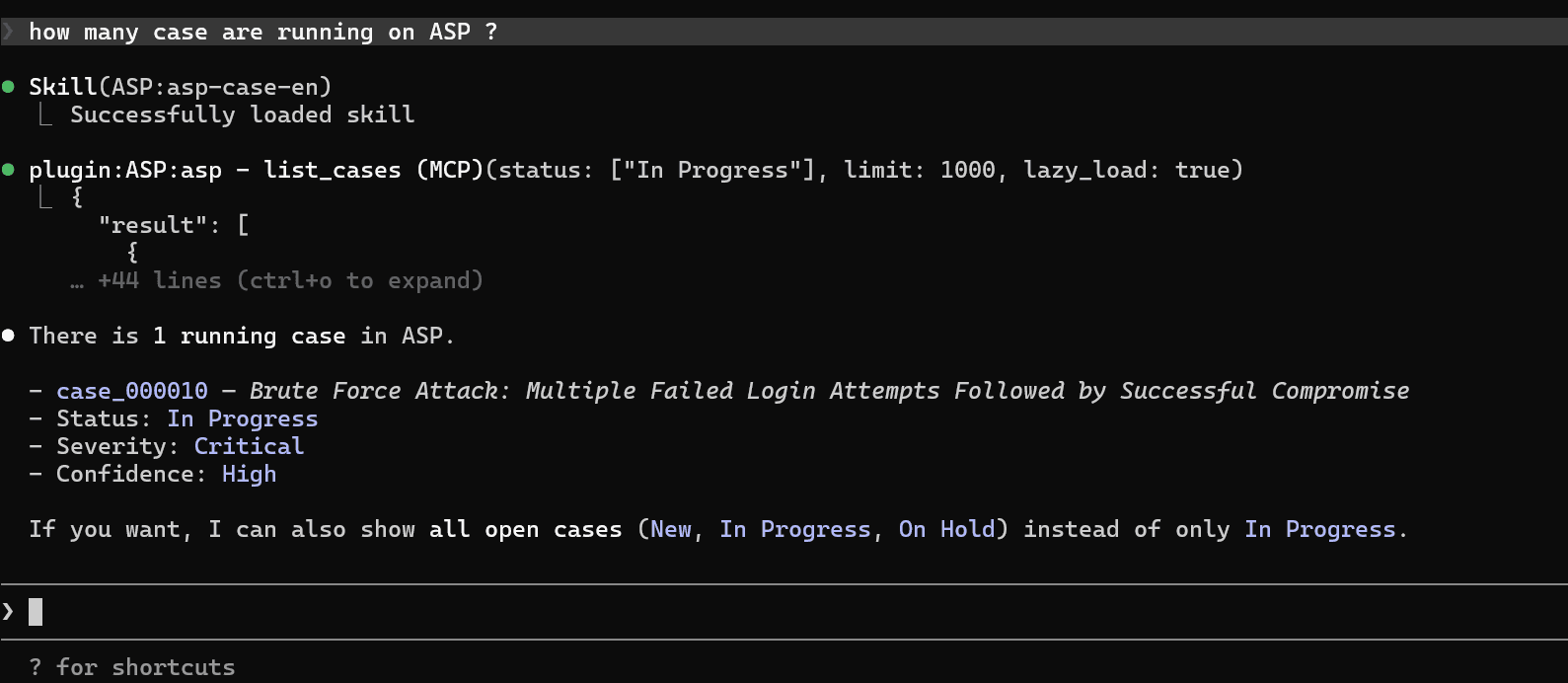
插件安装并连接 MCP 后,可以在 Claude Code 中直接调用 ASP 相关 Skill / Agent。
补充说明
- 插件包含 MCP 配置、Agents 和 Skills,会占用一定上下文。
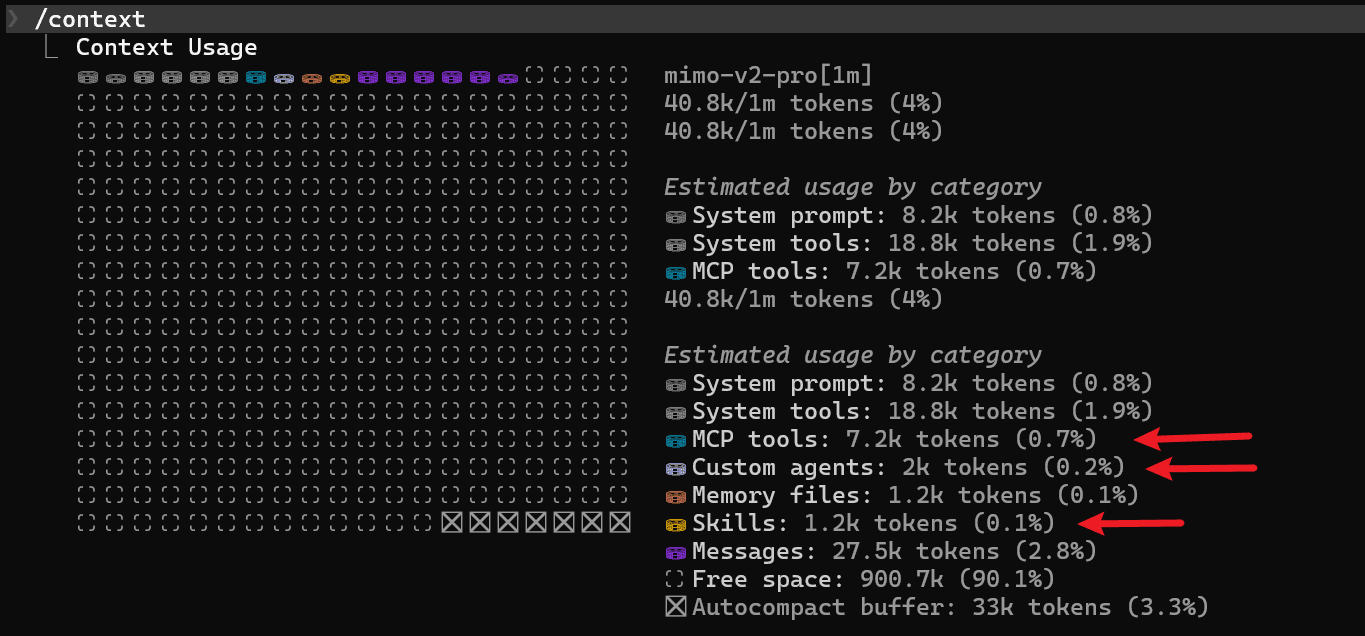
- 如果只在特定仓库中使用 ASP 插件,建议安装到 repo local,减少其他项目中的上下文占用。