ClaudeCode Plugin
ClaudeCode Plugin enables Agents and Skills in Claude Code to use ASP capabilities. The current plugin code is located at asp-marketplace and connects to the backend through ASP MCP Server.
Feature List
3 Agents
- Case Investigator: Investigates, triages, evaluates evidence, and makes next-step decisions around Case.
- Artifact Investigator: Performs context analysis, scope determination, and threat hunting around IOC / Artifact.
- Threat Hunting: For hypothesis-driven proactive threat hunting.
14 Skills
MCP Configuration
Plugin uses Streamable HTTP to connect to ASP MCP Server.
| Item | Current Value |
|---|---|
| MCP URL | https://<asp-host>/api/mcp |
| Authentication | Authorization: Api-Key <key> |
| Environment Variables | ASP_MCP_URL, ASP_MCP_API_KEY |
API Key can be created in Personal Center.
You must configure the following environment variables in the same terminal before starting Claude Code; if Claude Code is already started, you need to restart Claude Code after modifying environment variables.
PowerShell:
$env:ASP_MCP_URL = "https://asp.example.com/api/mcp"
$env:ASP_MCP_API_KEY = "asp_xxx"
Test if environment variables in current terminal can connect:
Invoke-RestMethod $env:ASP_MCP_URL -Method Post -Headers @{Authorization="Api-Key $env:ASP_MCP_API_KEY"; Accept="application/json, text/event-stream"} -ContentType "application/json" -Body '{"jsonrpc":"2.0","id":1,"method":"initialize","params":{"protocolVersion":"2025-06-18","capabilities":{},"clientInfo":{"name":"env-test","version":"1.0"}}}'Bash:
export ASP_MCP_URL="https://asp.example.com/api/mcp"
export ASP_MCP_API_KEY="asp_xxx"
Test if environment variables in current terminal can connect:
curl -sS "$ASP_MCP_URL" \
  -H "Authorization: Api-Key $ASP_MCP_API_KEY" \
  -H "Content-Type: application/json" \
  -H "Accept: application/json, text/event-stream" \
  --data '{"jsonrpc":"2.0","id":1,"method":"initialize","params":{"protocolVersion":"2025-06-18","capabilities":{},"clientInfo":{"name":"env-test","version":"1.0"}}}'
If MCP initialize result is returned, URL and API Key are available; if 401 or Invalid API key is returned, check if API Key is expired, if user is disabled, and if /api/mcp is routed to ASGI service.
Install Plugin
After starting Claude Code, register marketplace:
/plugin marketplace add FunnyWolf/asp-marketplaceInstall plugin from marketplace:
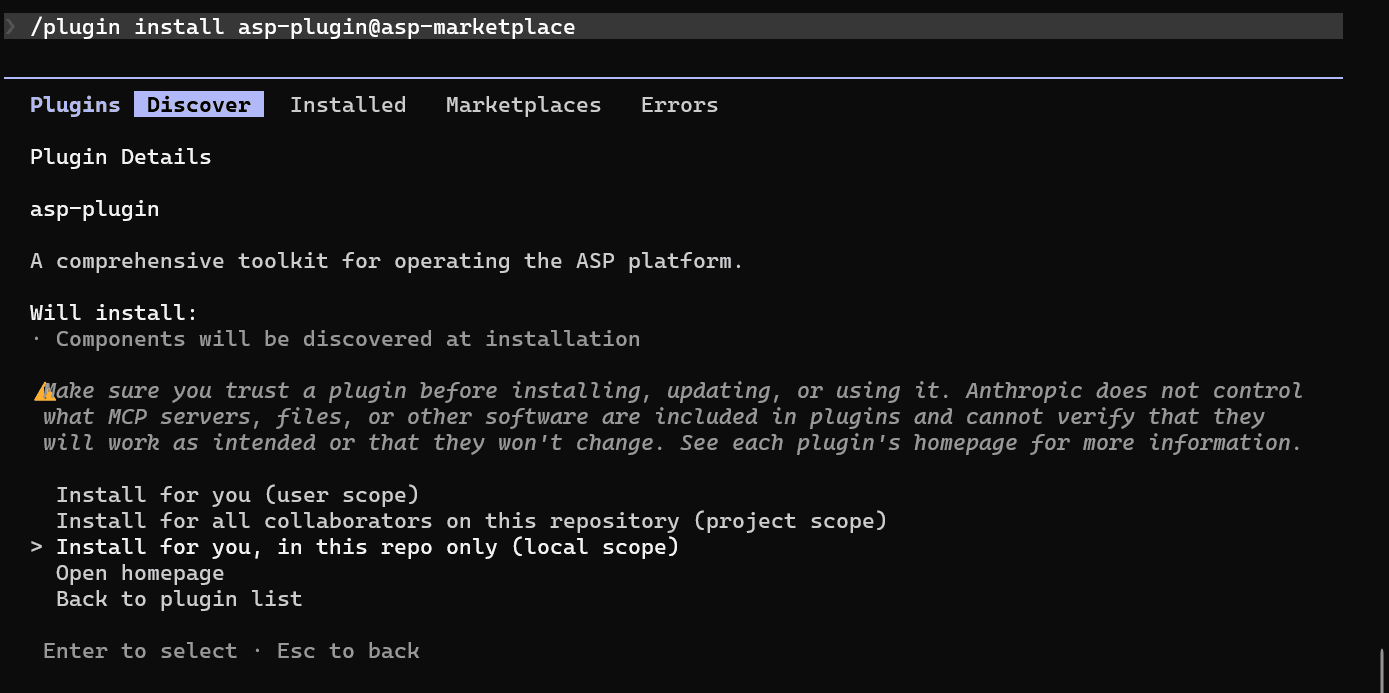
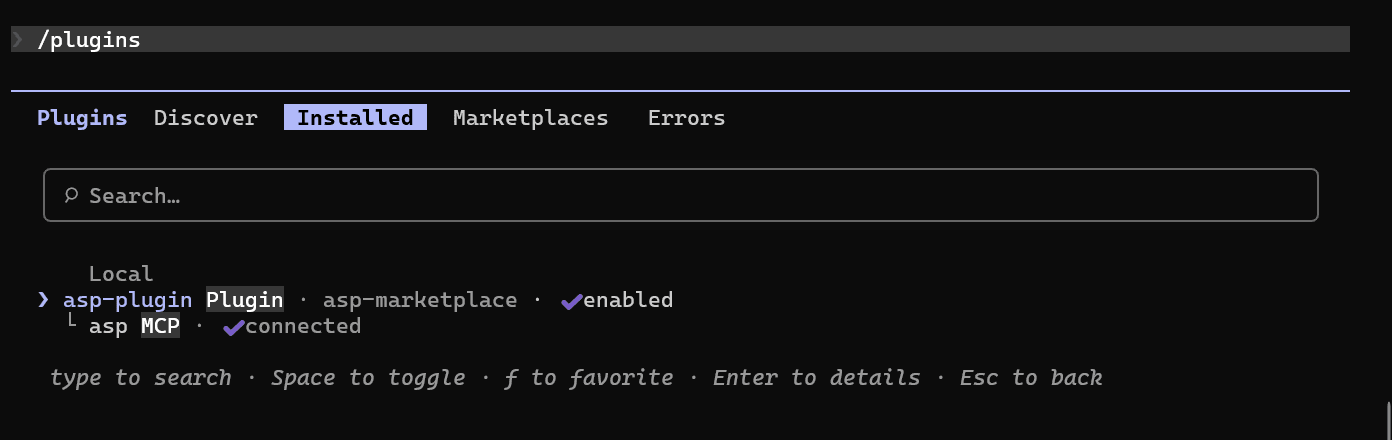
/plugin install asp-plugin@asp-marketplace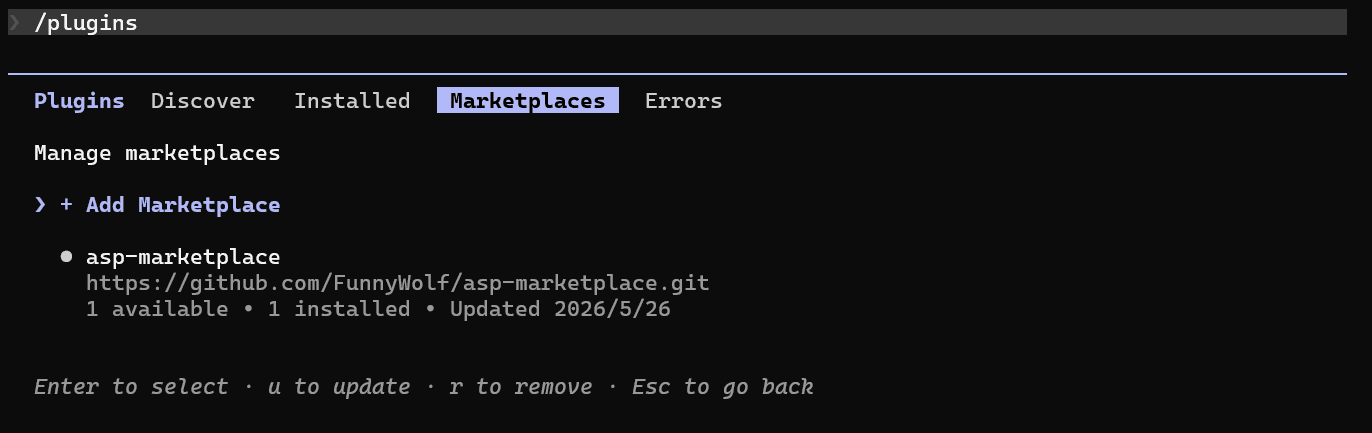
Invoke Skill / Agent
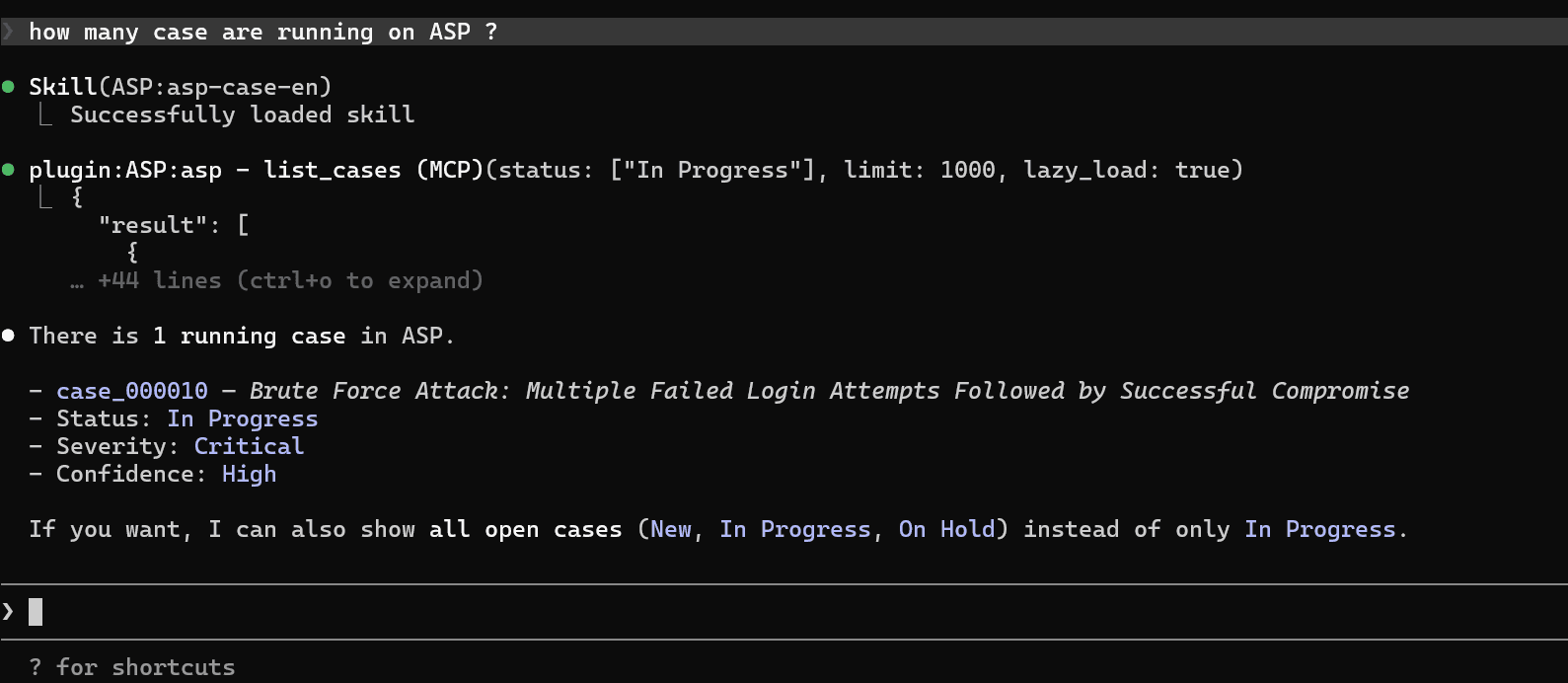
After plugin is installed and connected to MCP, you can directly invoke ASP-related Skills / Agents in Claude Code.
Additional Notes
- Plugin includes MCP configuration, Agents, and Skills, and will consume some context.
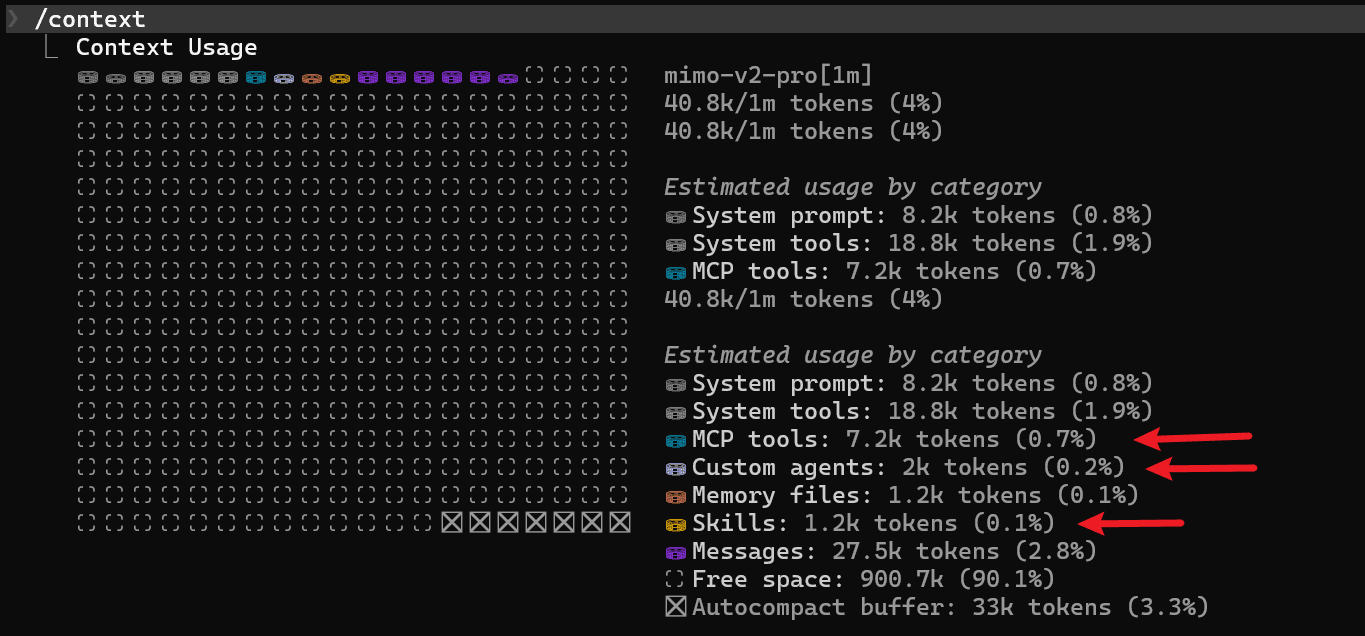
- If you only use ASP plugin in specific repositories, it is recommended to install to repo local to reduce context consumption in other projects.