Claude Code Plugin
Feature List
3 Agents
asp-case-investigator— Case-driven security investigation, triage, and evidence assessmentasp-artifact-investigator— IOC/artifact-driven investigation, threat hunting, and scope determinationasp-threat-hunting— Proactive threat hunting and hypothesis-driven security investigation
10 Skills
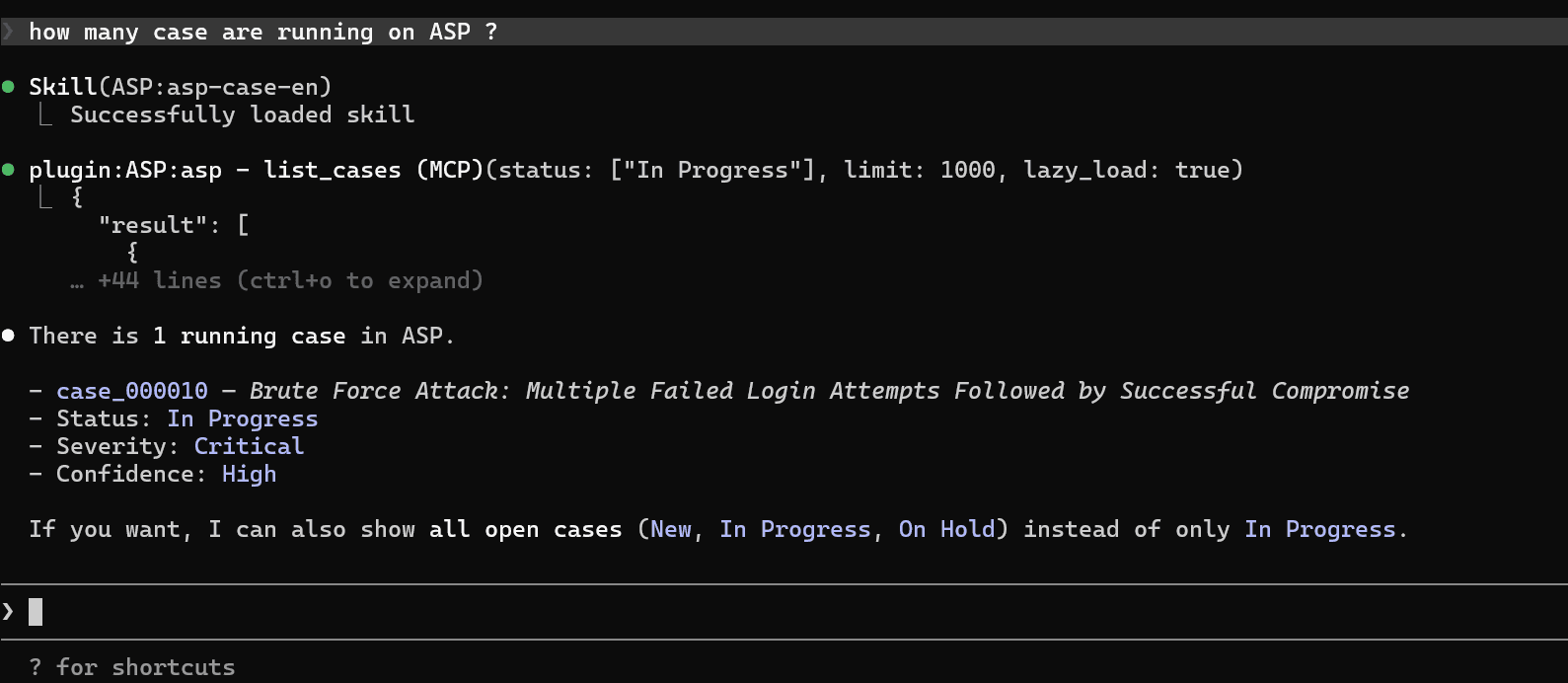
asp-alert— View alerts and perform triage analysisasp-artifact— Find artifacts by IOCasp-case— Manage security cases, including review, discussion, workflow, and AI analysisasp-enrichment— Save structured data as enrichment and attach to case/alert/artifactasp-knowledge— Knowledge record retrieval and maintenance, supporting semantic searchasp-module-creator— Write alert processing Python scripts for SIEM rulesasp-playbook— Operate playbook definitions and playbook runs, view, execute, or reviewasp-siem-index-yaml— Create or update SIEM index configuration YAMLasp-siem-search— Perform log investigation, event retrieval, and structured analysis in SIEMasp-threat-intelligence— Query threat intelligence for IOCs and assess risk levels
Connects to ASP MCP Server
Configuration
- Configure the MCP Plugin to obtain the MCP SSE URL
- Set the URL in the environment variable ASP_MCP_SSE_URL
PowerShell:
powershell
$env:ASP_MCP_SSE_URL = "http://your_server_ip:7001/XXXXXXXXXXXXX/sse"Bash:
bash
export ASP_MCP_SSE_URL="http://your_server_ip:7001/XXXXXXXXXXXXX/sse"- Start Claude Code
- Register the https://github.com/FunnyWolf/asp-marketplace marketplace
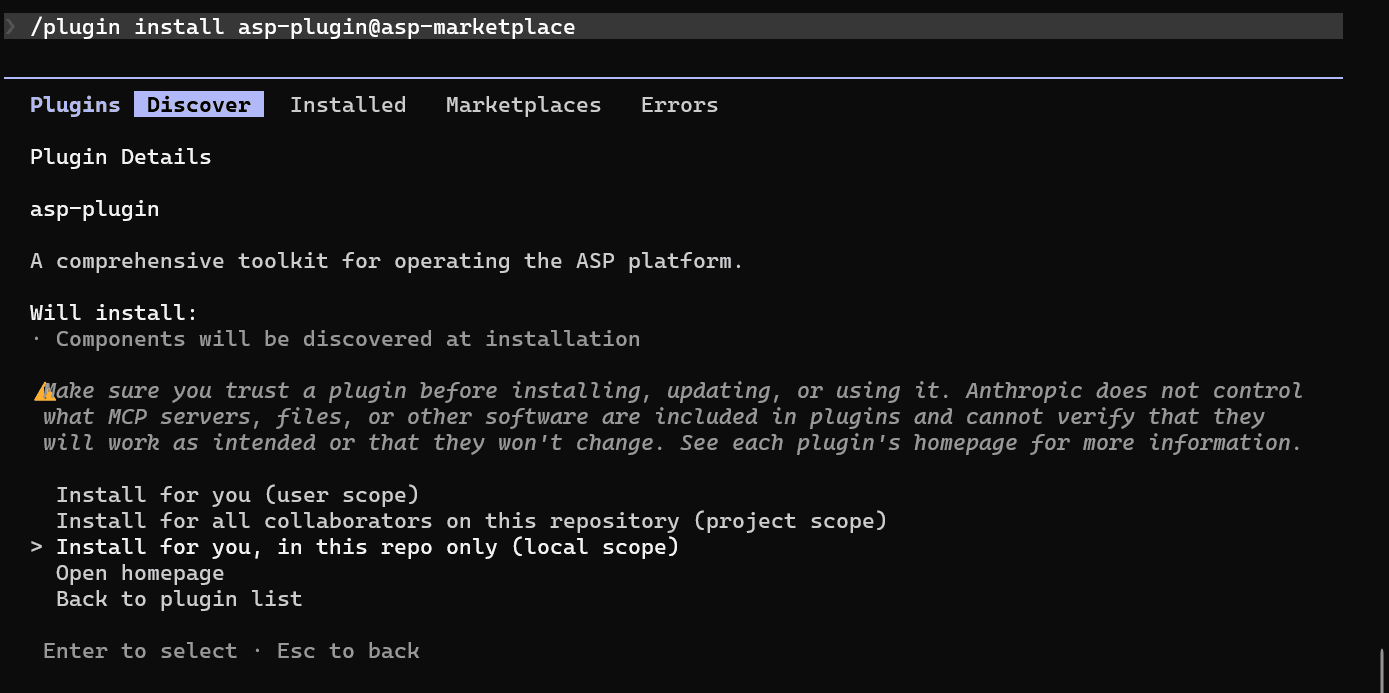
/plugin marketplace add FunnyWolf/asp-marketplace- Install the plugin from the marketplace
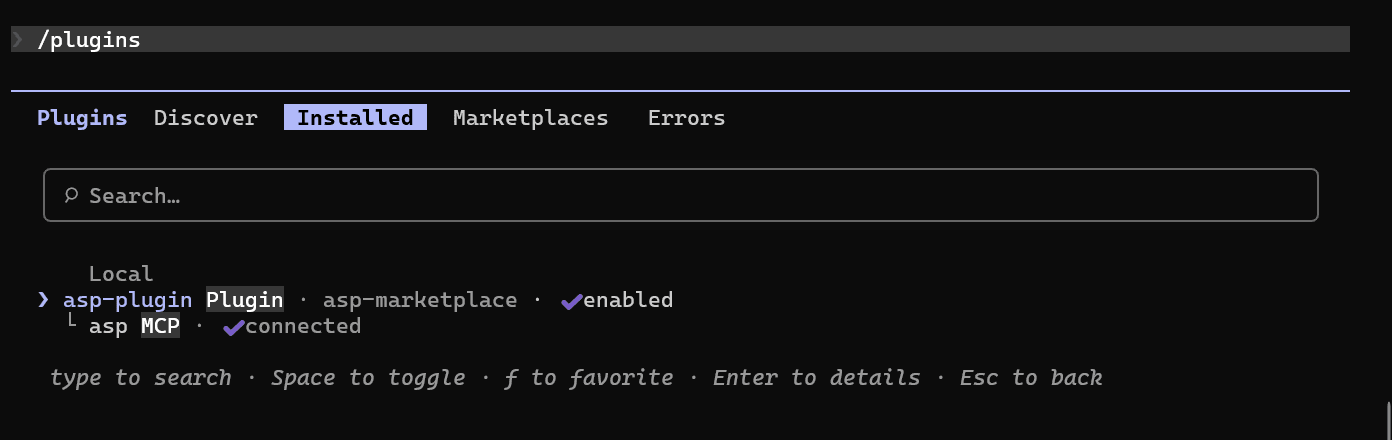
/plugin install asp-plugin@asp-marketplace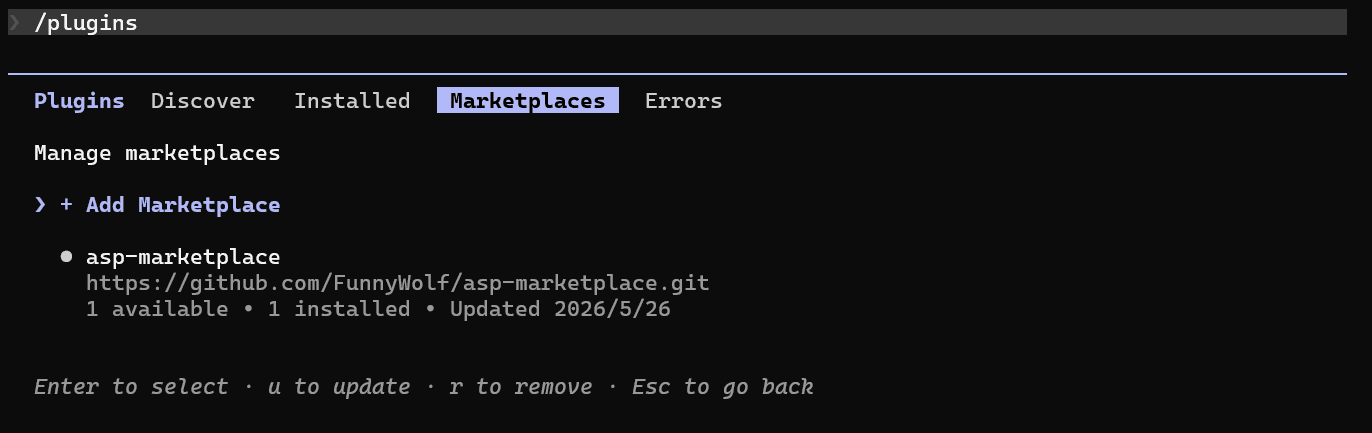
Invoking Skills / Agents
Additional Notes
- The ASP Plugin occupies approximately 10.5k context for MCP Tools / Agents / Skills when Claude Code starts
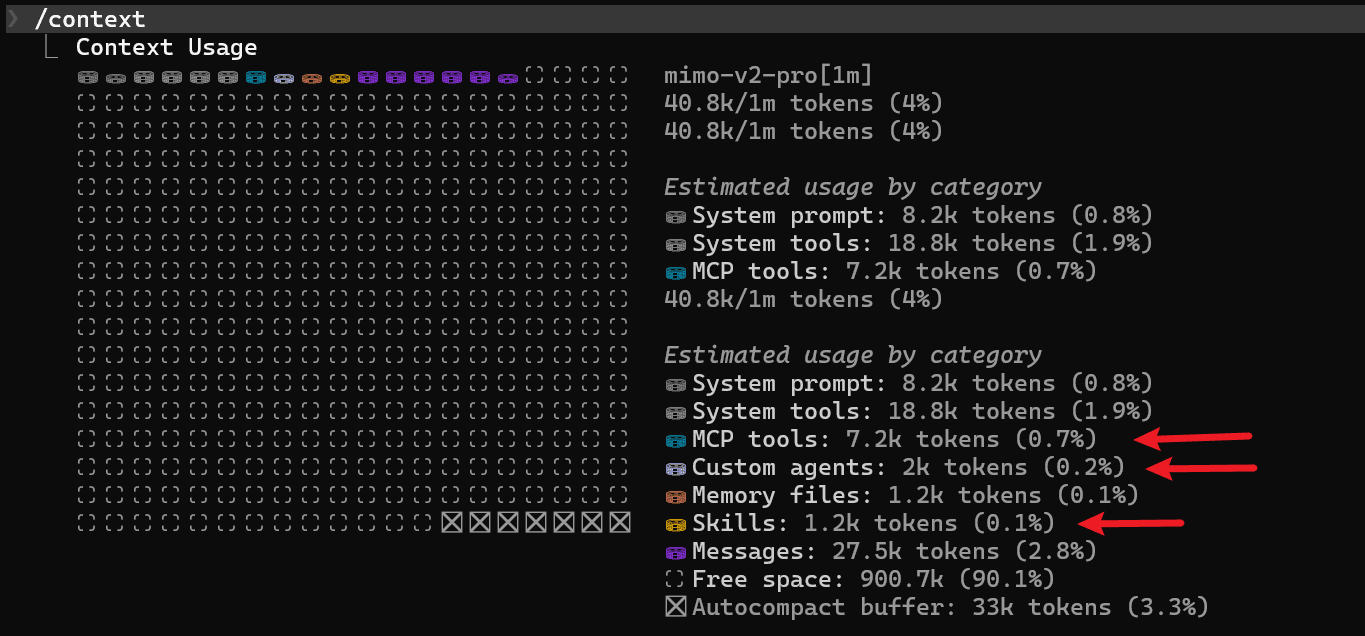
- It is recommended to install the plugin to the repo local to reduce context usage when using Claude Code for other projects.