Splunk Plugin
Splunk SIEM client, implemented based on splunk-sdk, providing Splunk backend query capabilities for the SIEM plugin.
Configuration
- Rename
PLUGINS/Splunk/CONFIG.example.pytoCONFIG.py - Fill in the configuration items:
| Configuration Item | Description |
|---|---|
SPLUNK_HOST | Splunk server address |
SPLUNK_PORT | Management port, default 8089 |
SPLUNK_USER | Login username |
SPLUNK_PASS | Login password |
SPLUNK_HEC_URL | HTTP Event Collector address, only needed when Mock plugin generates test data |
SPLUNK_TOKEN | HEC Token, only needed when Mock plugin generates test data |
When not using the Mock Plugin to generate test data, SPLUNK_HEC_URL and SPLUNK_TOKEN can be left empty.
Sending Alerts to Redis Stream (webhook action)
Configure the Forwarder Plugin
Write SPL and save as an Alert; refer to the image below for specific configuration
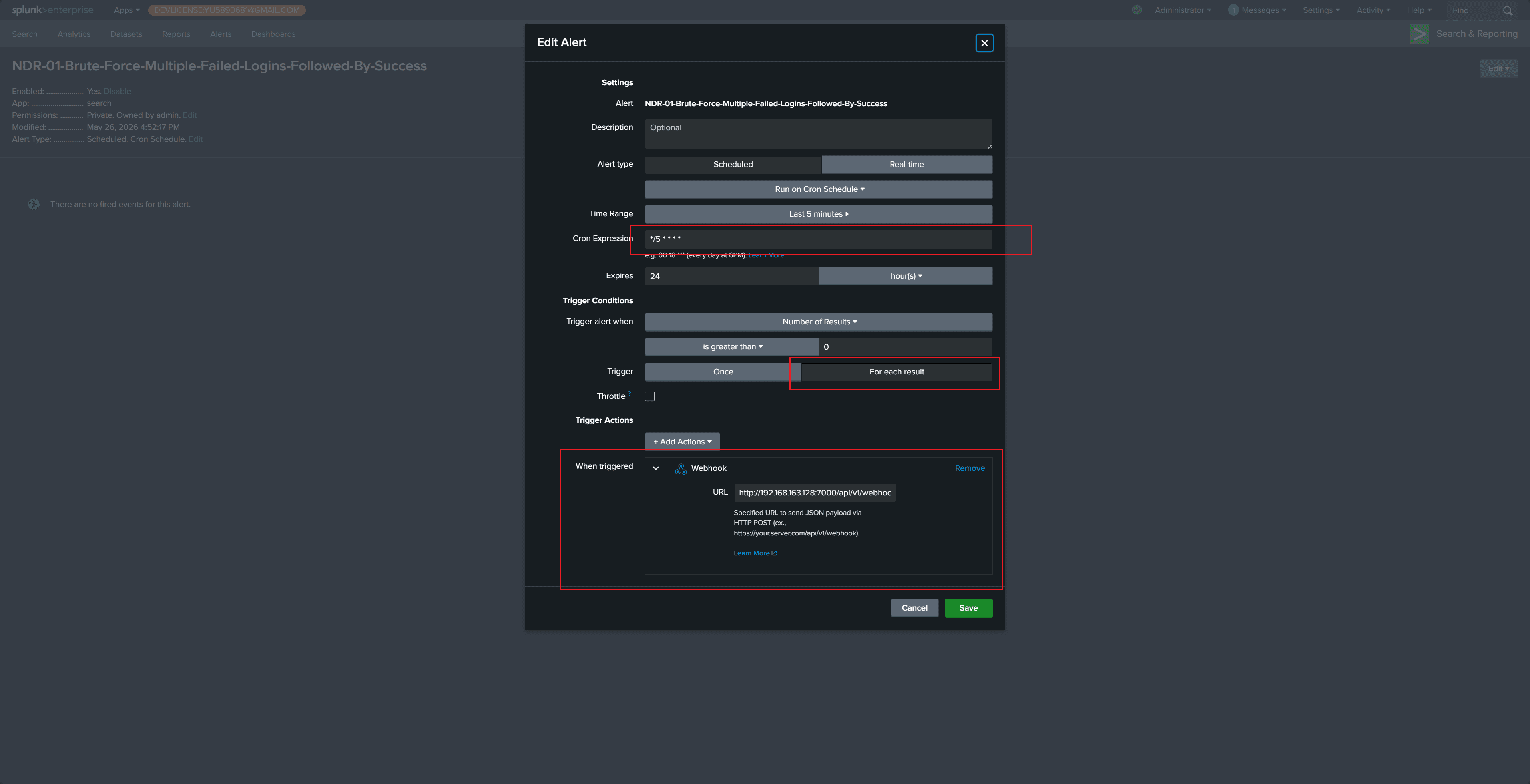
The Cron Expression / Time Range section means executing every 5 minutes, searching the last 5 minutes of data (adjustable as needed)
Trigger selection
For each resultensures each result independently sends one Webhook
Webhook address is http://192.168.163.128:7000/api/v1/webhook/splunk; replace the IP and port according to your actual environment
- After the Alert triggers, the Forwarder Plugin will print relevant logs

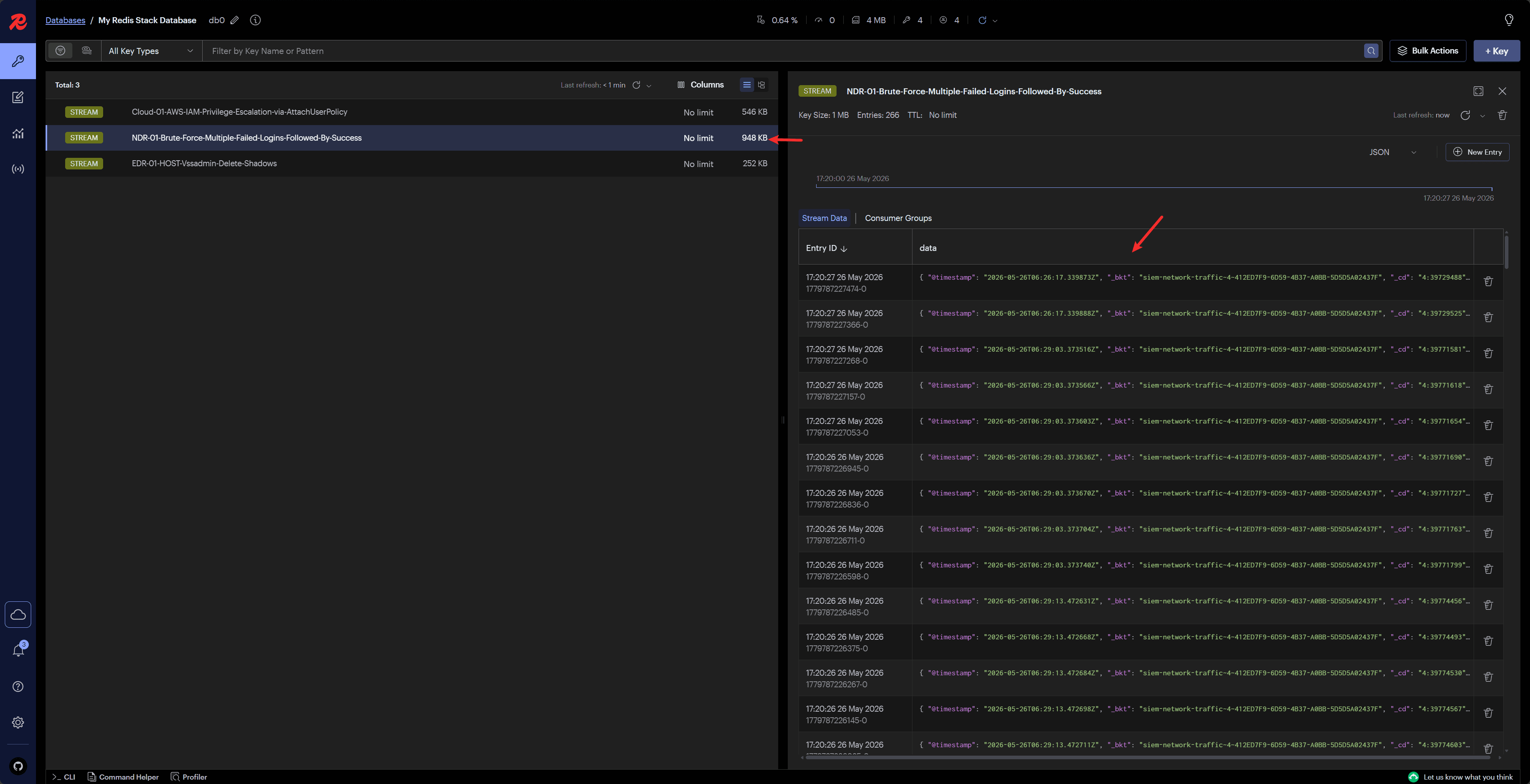
- Redis Insight can display alert messages sent to the Stream