
Kibana Webhook
Kibana Webhook sends Kibana Rule matches directly to ASP and writes them into Redis Stream for Module consumption.
Endpoint
text
POST /api/webhook/kibana/Replace the domain with your ASP backend address, for example:
text
https://asp.example.com/api/webhook/kibana/Create Webhook Connector
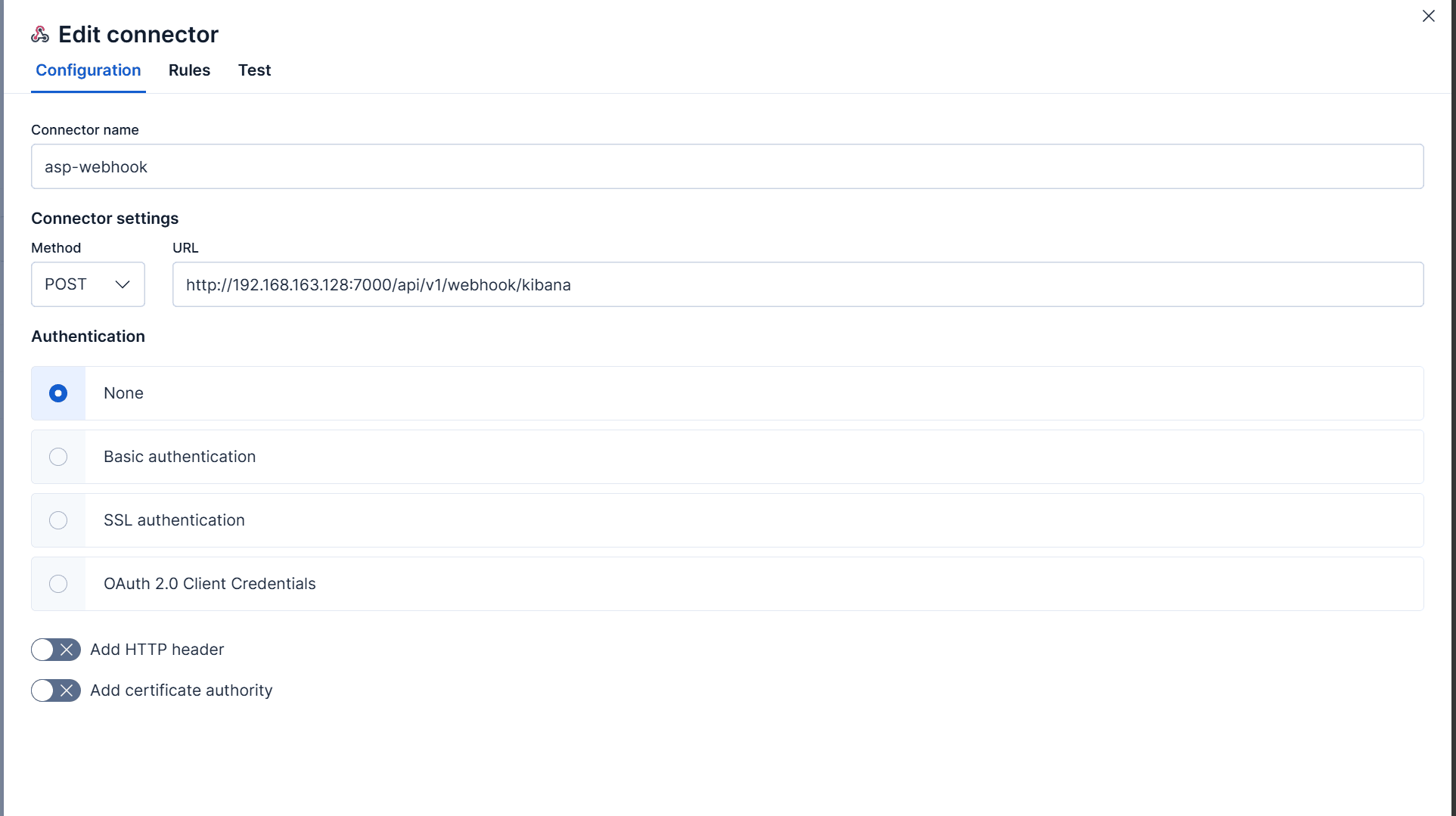
Create a Webhook connector in Kibana and set the URL to the ASP endpoint:
text
https://<asp-host>/api/webhook/kibana/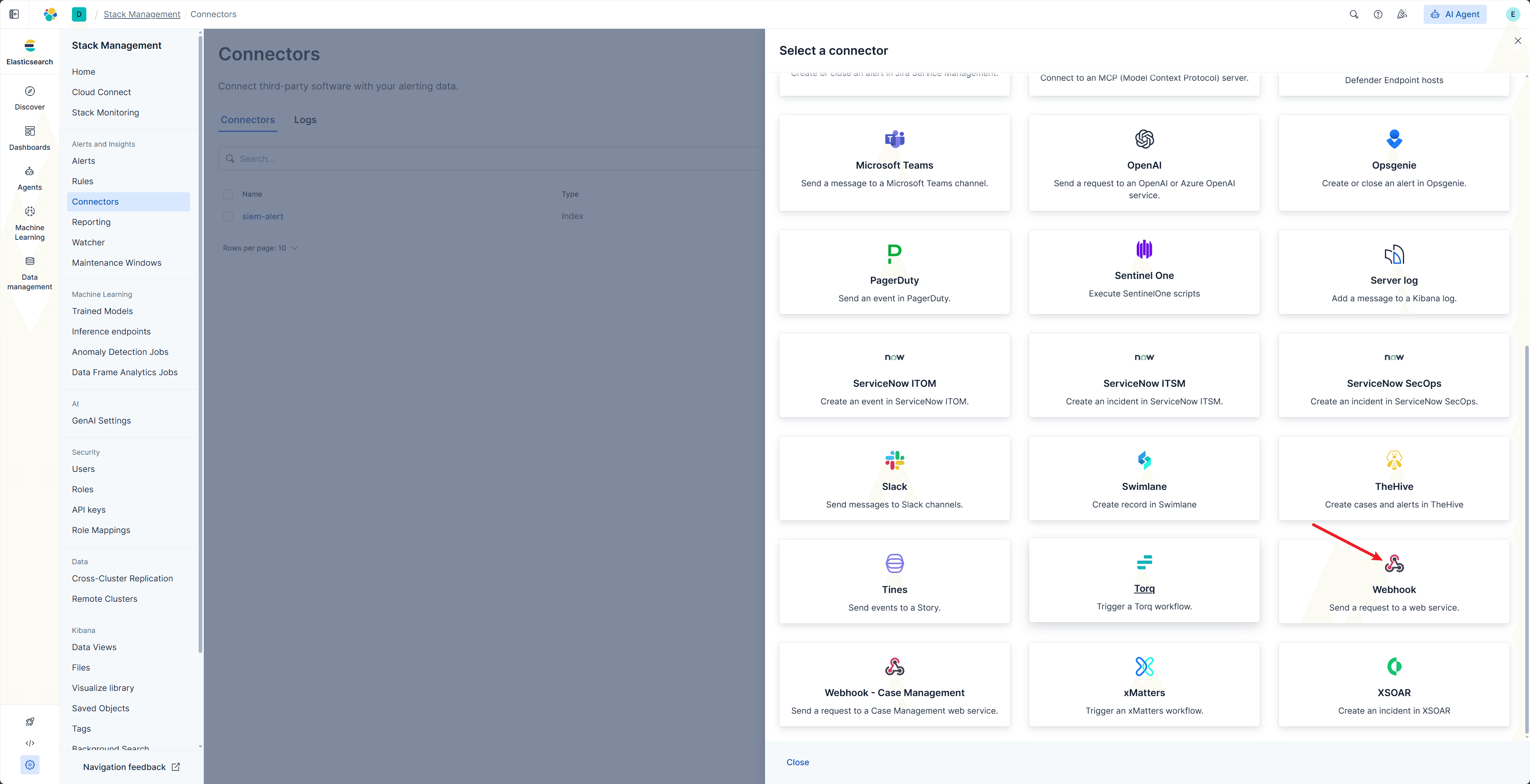
Create Rule
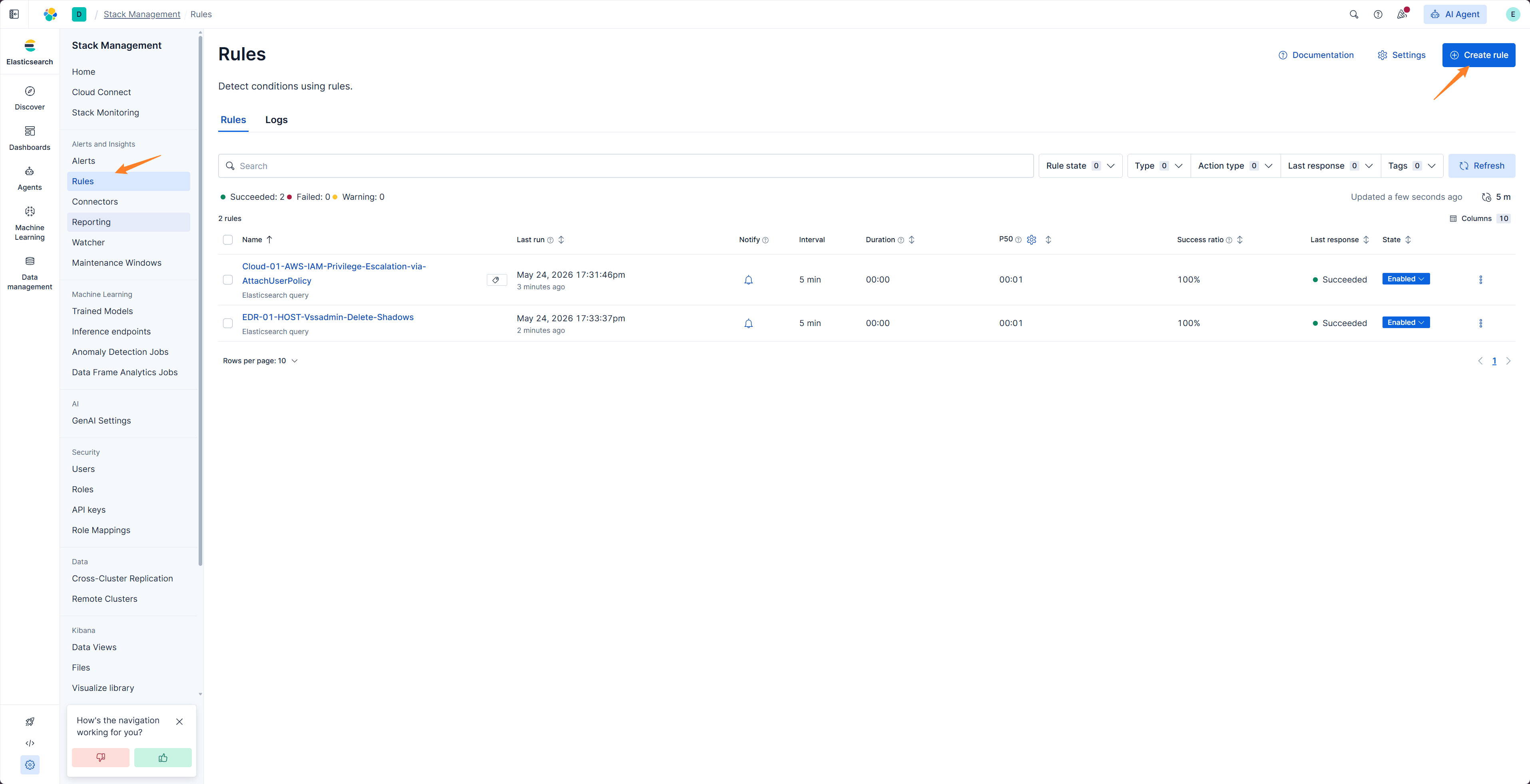
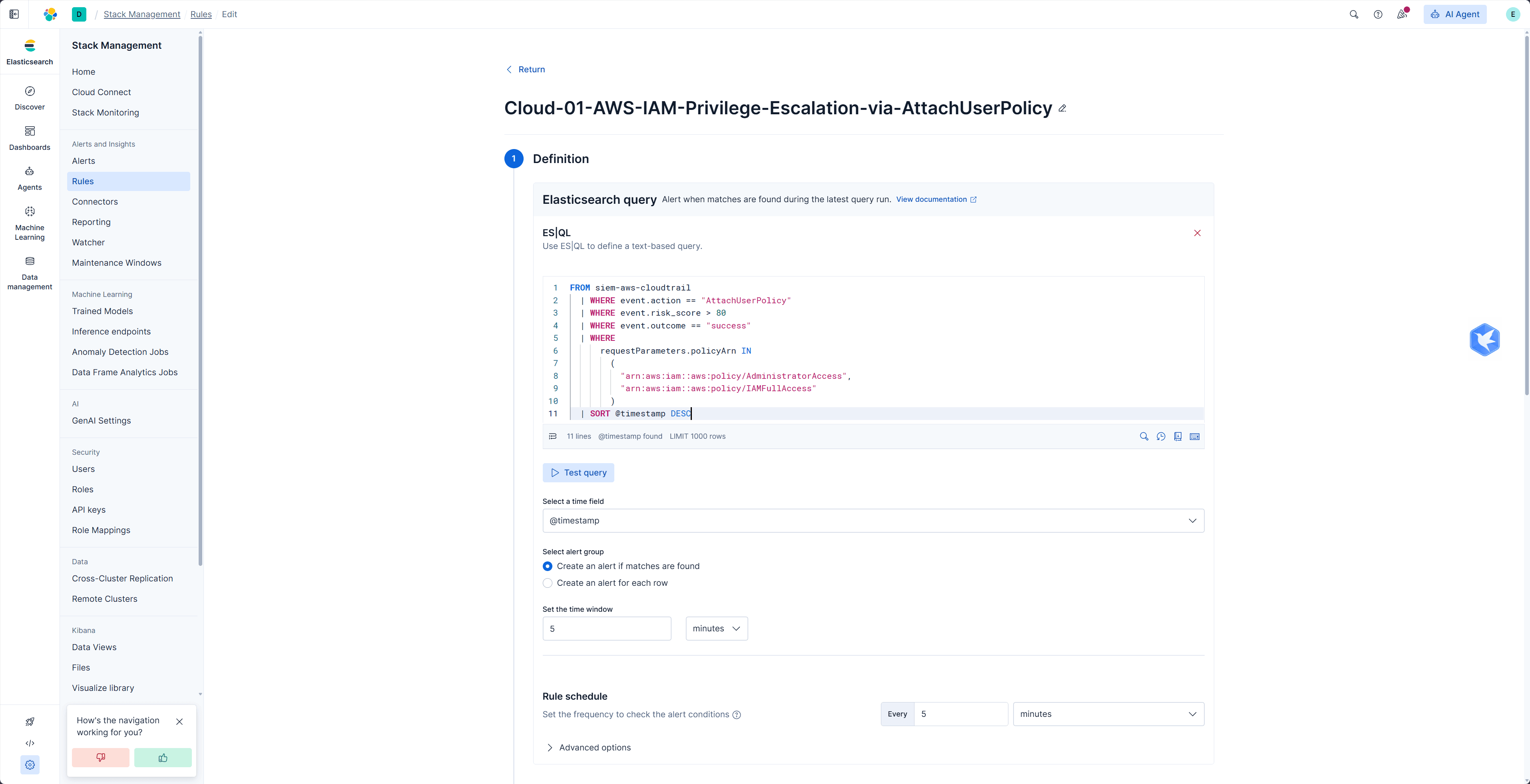
Create a Kibana Alert Rule and configure query conditions, execution schedule, and trigger conditions.
Configure Action
Add a Webhook Action to the Rule and use the connector created earlier.
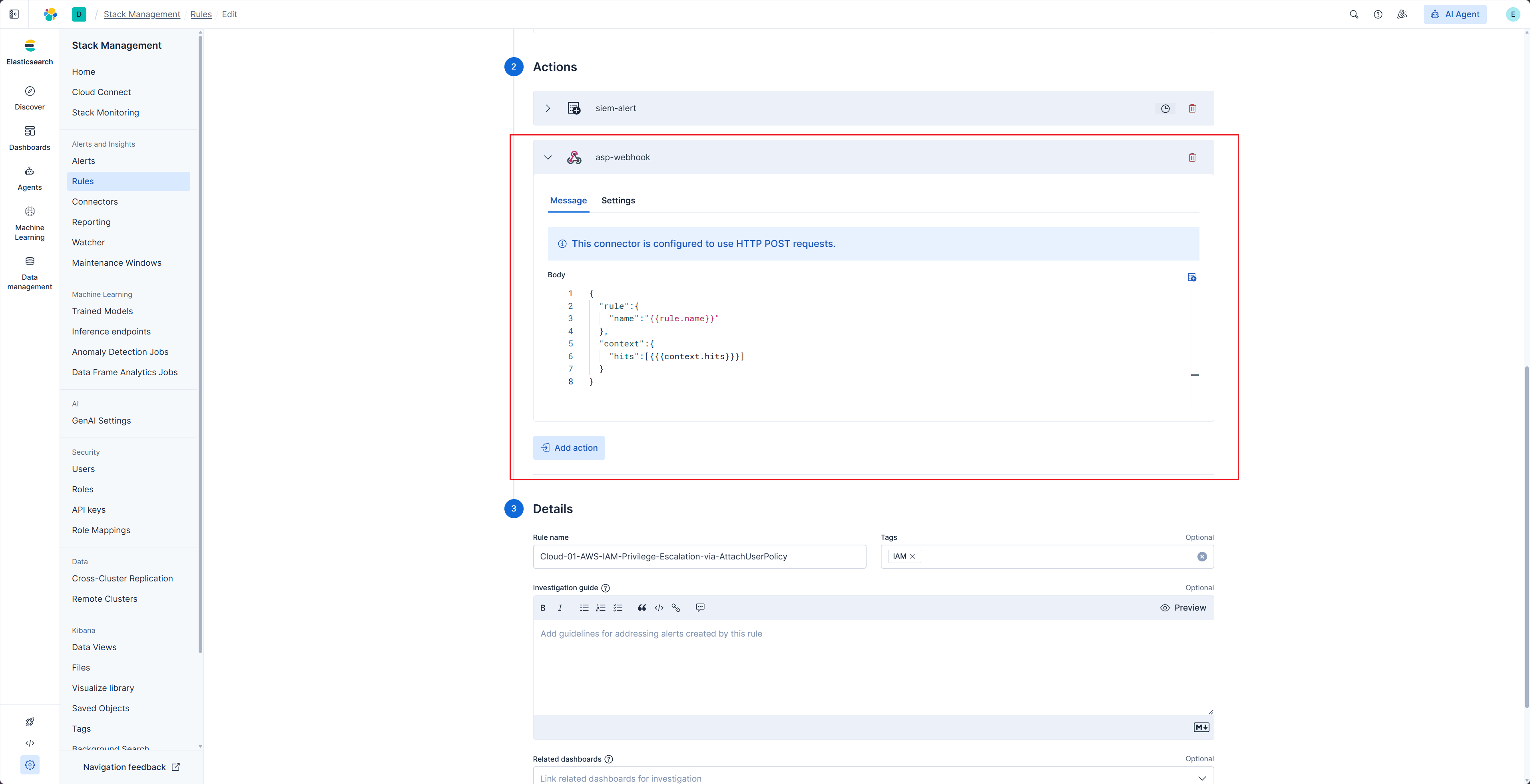
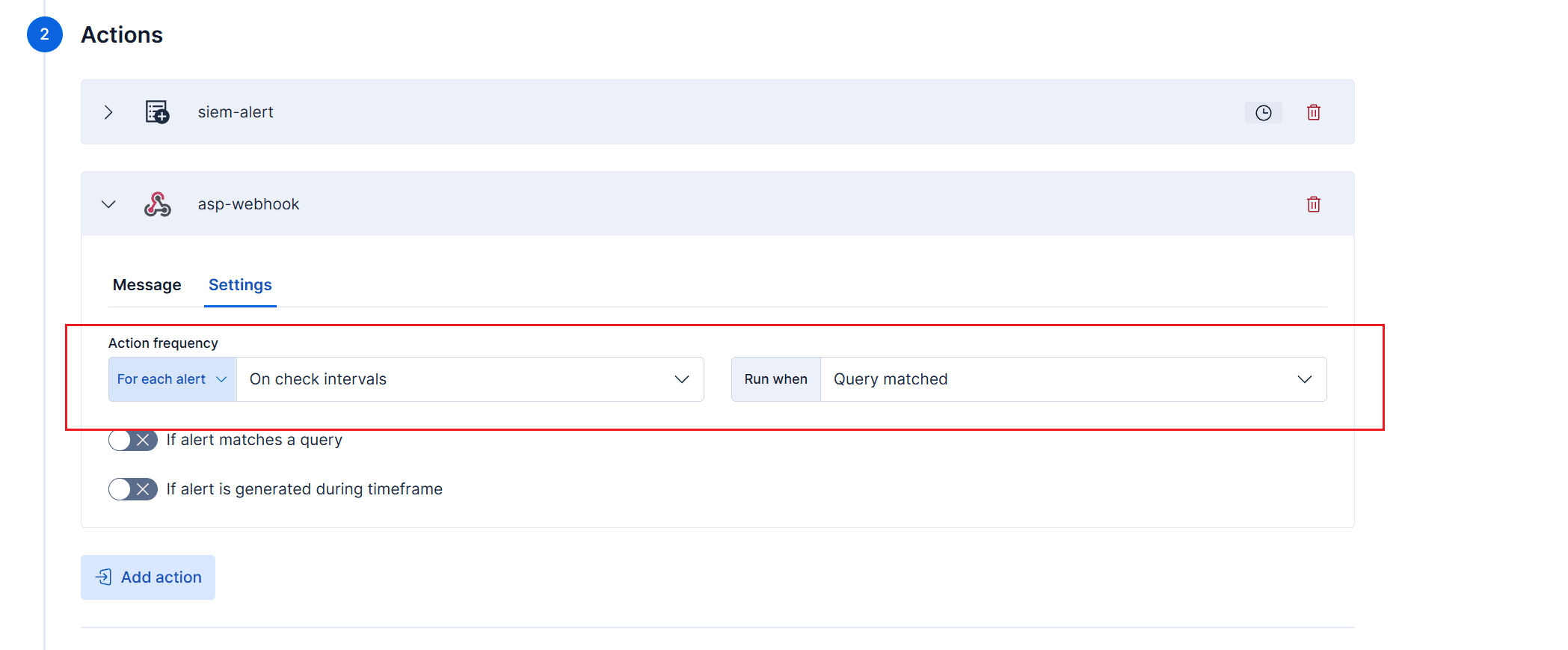
ASP's Kibana Webhook expects this JSON structure:
json
{
  "rule": {
    "name": "{{rule.name}}"
  },
  "context": {
    "hits": [{{{context.hits}}}]
  }
}
Field description:
| Field | Description |
|---|---|
rule.name | Kibana Rule name. It is used as the Redis Stream name. |
context.hits | Matched events. ASP writes each item to Stream. |
Verification
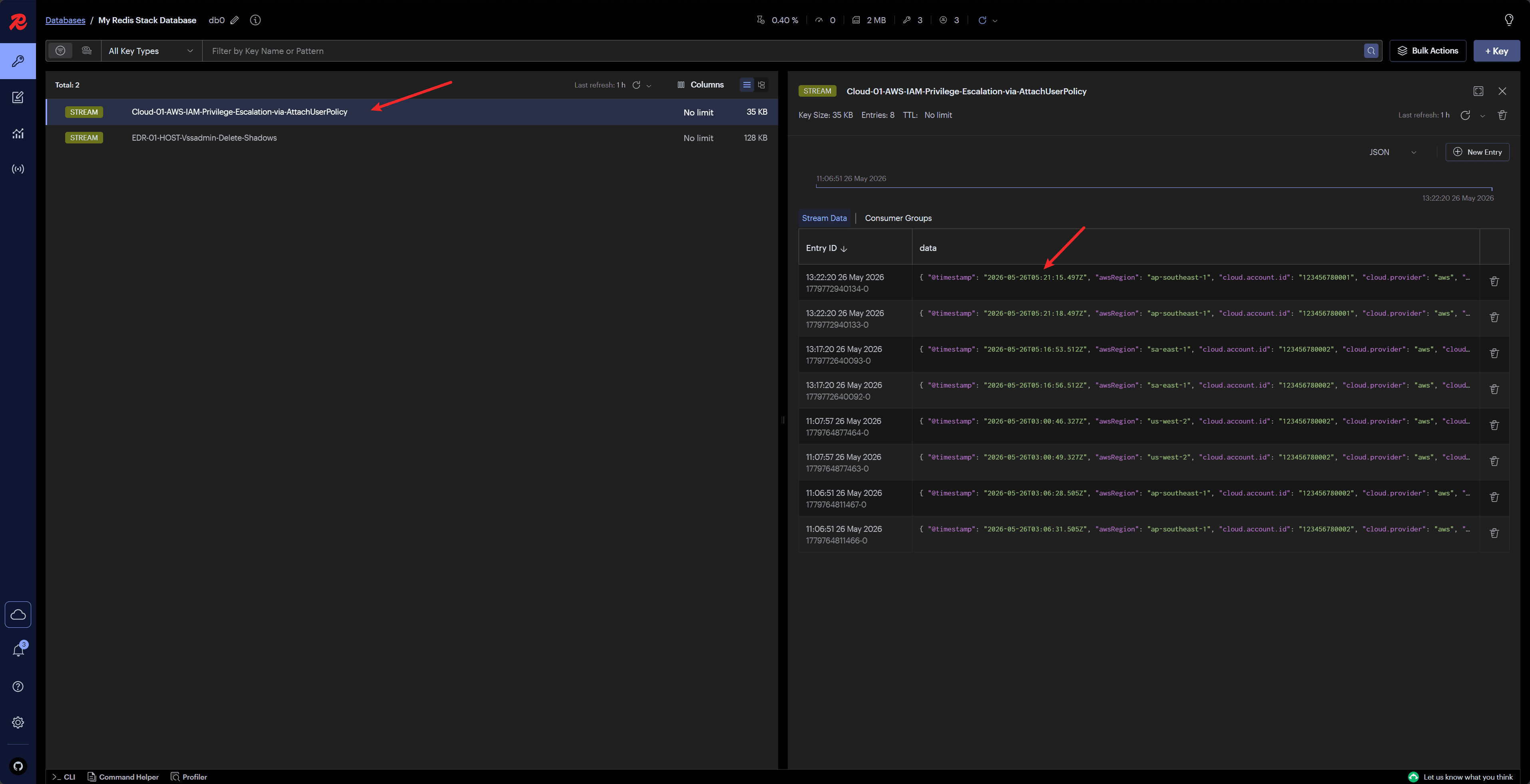
After the Rule triggers, Kibana sends a request to ASP Webhook. ASP extracts _source from each hit and writes it to the Redis Stream named by rule.name.
View written messages in Redis or Custom Console to confirm that a Module can consume them.
Recommendations
- Webhook requires Kibana to directly access the ASP backend.
- If the network does not allow direct POST to ASP, or ELK uses Community Edition, use ELK Index Action.
- Keep Rule name consistent with the Stream name expected by the backend Module.
- Preserve key fields in
_sourcefor Case, Alert, and Artifact mapping. - For complete examples, see Custom Module Examples.
Next Steps
- ELK Index Action — Use indirect ingestion when Kibana cannot directly POST to ASP.
- Module Development — Write a Module that consumes the Kibana Stream.
- Custom Console — Check Stream messages and Module loading status.